Video Doorbells: Check Privacy and Storage Costs Before Buying
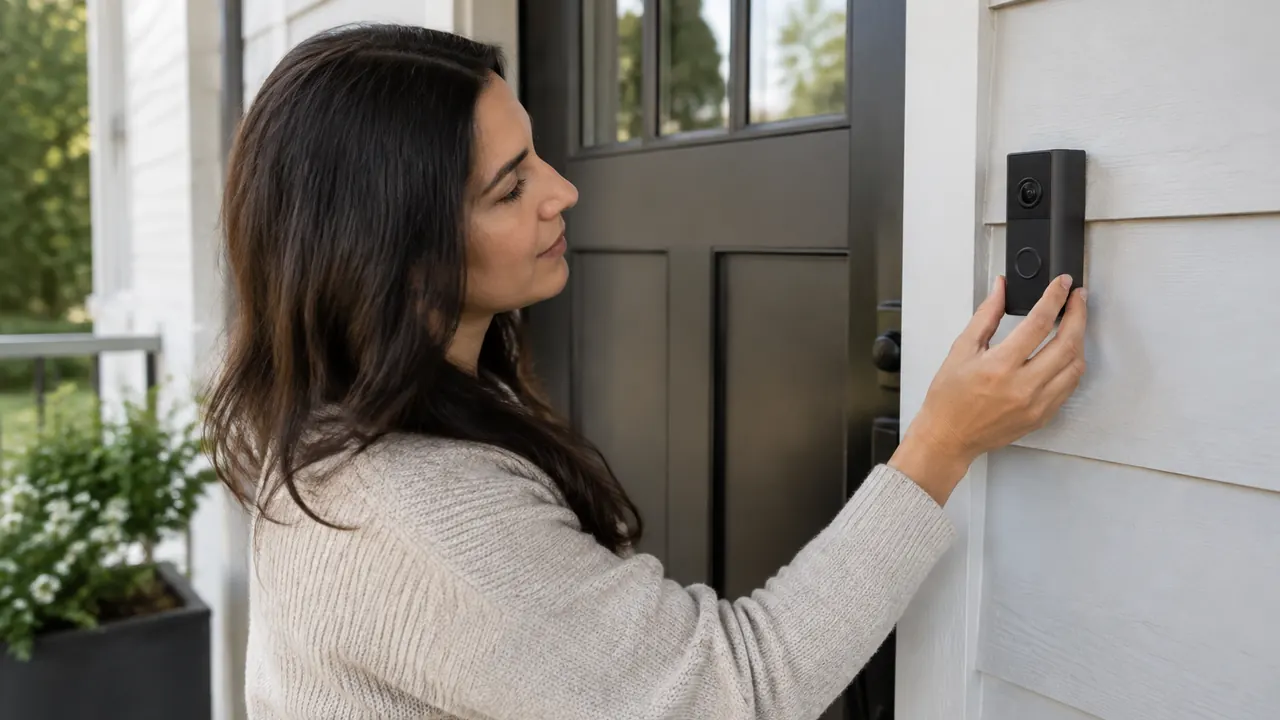
A video doorbell can show you who rang, help document a missing delivery and let you answer without opening the door. But the purchase price tells only part of the story. Recording may depend on a subscription, saved clips may disappear on a schedule, and a camera aimed at your steps may also capture a neighbor’s doorway. Before buying, decide what you need to record, where those recordings should live and who should be able to see them.
For a purchase in March 2026, compare the exact model and current service plan, not just the brand or a retailer’s feature icons. Manufacturers can package similar-looking devices with different storage, detection and account requirements. Treat claims such as “no monthly fee” or “local storage” as starting points for questions, not guarantees of offline operation or complete privacy.
1. Separate live viewing from saved evidence
Start with the distinction between seeing a visitor now and reviewing one later. A doorbell may provide live video and ring notifications without a paid plan while requiring payment for recorded history. Without recording, a motion alert received during a meeting could lead only to an empty porch when you finally open the app. Event snapshots, where offered, are not equivalent to playable video.
Check how the model records: motion-triggered clips, button-press events or continuous video. Continuous recording can require compatible wiring, additional equipment and a particular plan; having doorbell wires alone does not establish eligibility. For event recording, look for adjustable clip length, any cooldown between events and whether footage before the trigger is included. Battery-saving settings may reduce recording coverage. Match these limitations to your purpose: greeting guests needs less history than documenting recurring package theft.
- Ask what still works after the included trial ends, including playback, downloads and person detection.
- Check whether recordings include sound and whether microphone recording can be disabled independently.
- Confirm that the camera captures packages near the threshold, not just faces approaching it.
- Read the support page for your exact model; features can differ within the same product family.
2. Compare local, cloud and hybrid storage
Local recording usually saves video to a memory card, an indoor hub or a compatible recorder. It can avoid a recurring storage bill and keep the primary copy at home. However, a card inside the outdoor device may leave with a thief. An indoor hub reduces that particular risk, but fire, hardware failure or a break-in can still destroy recordings. Check whether storage media are included and which capacity and endurance specifications the manufacturer supports.
Cloud recording sends footage to the provider’s infrastructure, preserving uploaded clips if the doorbell is stolen. It also adds reliance on an account, internet service and the provider’s retention and access policies. Hybrid systems may offer both locations, but do not assume they automatically duplicate every clip. “Local” also does not necessarily mean account-free: setup, remote viewing or advanced detection may still use the provider’s servers. Read what information leaves the home, including thumbnails and diagnostic data. Ask whether storage is encrypted and how access is authenticated. Neither location is inherently secure without appropriate protections. Remote playback working today is not proof that recording or exporting will work without the provider tomorrow.
| Storage approach | Main advantage | What to verify |
|---|---|---|
| Card in doorbell | Primary footage stays on the device | Theft exposure, encryption and card replacement |
| Indoor hub or recorder | Storage is separate from the outdoor camera | Equipment cost, capacity and supported doorbells |
| Cloud recording | Uploaded clips survive loss of the camera | Subscription, retention and download rules |
| Hybrid recording | Can provide more than one storage location | Whether copies are automatic and independently accessible |
3. Calculate the bill after the trial
Price the doorbell as a multiyear service purchase, even if you expect to use local storage. Add the device, any required hub or transformer, installation, storage media and the plan that actually includes your needed features. Compare monthly billing with the full annual charge, noting taxes, promotional periods and renewal terms. A low advertised monthly equivalent may require paying for a year upfront.
Then calculate the cost over three years using current prices, while allowing for future increases rather than assuming the rate is locked. Plan limits can apply per camera, household or location. Adding a driveway camera may change which tier makes sense. Check whether longer history, continuous recording, richer alerts or detection features require an upgrade. If a plan advertises AI-generated descriptions or searchable events, verify device eligibility and data handling instead of assuming those features come with basic recording. Keep a copy of the offer and cancellation terms at purchase; a retailer’s summary may omit service restrictions.
- Identify the regular renewal price, not just the introductory discount.
- Check whether the trial renews automatically and how cancellation works.
- Confirm whether canceling ends access immediately or at the paid period’s end.
- Budget for local storage replacement and any additional hardware, not only subscriptions.
4. Test who can retrieve clips, and when
Retention is not the same as ownership of a permanent copy. A cloud plan might keep events for a rolling period, while local storage may overwrite its oldest footage when full. Either way, a clip you need can disappear unless you export it. Check download support, file format, timestamp handling and whether exporting requires an active subscription. Do not assume canceling service leaves existing recordings available until their original expiration dates.
Before relying on the system, save a test clip to a phone or computer and play it outside the doorbell app. Verify that its date, time and image detail are usable. Keep important original files in a separate, protected backup, and avoid editing the only copy. Review household permissions too: some shared users can watch live video but cannot download, delete or change settings. Public sharing links deserve special care because anyone receiving a forwarded link may gain access. Also read the provider’s current policy on employee access, legal demands and emergency disclosures. An encryption claim alone does not tell you who holds the keys or can access footage.
5. Protect the account like an entry point
A secure camera still exposes private routines if someone gets into its account. Choose a unique password stored in a password manager, and enable multifactor authentication. Prefer a passkey, security key or authenticator app when supported; text-message verification is generally better than having no second factor. Secure the recovery email account as well, since password resets can undermine otherwise strong protection.
Give each household member an individual invitation instead of sharing the owner’s login. Review signed-in devices and revoke access for former roommates, contractors or anyone who no longer needs it. Keep the app, camera firmware and router updated. Before buying, look for a stated security-update policy and check whether the model is approaching the end of support. A discounted older device can be poor value if fixes stop soon. On your home network, use modern Wi-Fi security and avoid opening router ports merely to make remote viewing work unless you understand the exposure.
- Enable login alerts and periodically inspect account activity where available.
- Store recovery codes somewhere secure, separate from the phone you normally use.
- Disconnect unused smart-home integrations and review their permissions.
- Before resale, remove account access, erase storage and follow the manufacturer’s reset instructions.
6. Aim at your property, not your neighbors’ lives
Position the camera to cover your approach, doorstep and package area while minimizing views into neighboring windows, private yards and frequently used doorways. Use the manufacturer’s mounting guidance and, if needed, a compatible angle wedge. Test the view with someone standing close to the door and again after dark; reflections, porch lights and passing headlights can affect usable detail. Check landlord, condominium or homeowners association requirements before drilling or mounting equipment in shared spaces.
Distinguish motion zones from privacy masks. A motion zone may only control which movements trigger alerts; it may not prevent the rest of the image from being recorded. A privacy mask may obscure part of the image, but confirm whether that applies to live viewing, saved recordings and every recording mode. Explaining the planned view to a neighbor can prevent misunderstandings, although a conversation does not replace any applicable legal requirement. Avoid posting identifiable visitor clips simply because the app makes sharing easy. Delivery workers, children and neighbors may appear during ordinary activities that do not need a public audience. If you share footage to report an incident, disclose only what is necessary and avoid unsupported accusations.
7. Check audio rules and outage behavior locally
Audio deserves a separate legal check from video. Federal and state interception and consent laws can treat recorded conversations differently from images, and requirements depend on jurisdiction and circumstances, including expectations of privacy. Your presence at home does not automatically make you a participant in every porch conversation. A notice sign is not a universal substitute for consent. Check current guidance for your state and locality, and consult a qualified attorney if the setup could capture conversations in a shared hallway or another sensitive setting.
If you do not need audio, verify how to disable its recording; muting playback on your phone does not necessarily stop sound from being saved. Finally, test what happens when internet service or power fails. Some local systems continue recording, while others depend on powered hubs, network equipment or cloud functions. Battery power in the doorbell does not keep your router running. Learn whether missed clips upload later and what remains accessible during an outage. The best fit is a system whose costs, recording boundaries and failure limits you understand before an incident.
Product features, prices and service terms can change; verify current documentation and seek qualified local legal advice for location-specific recording questions.
AI Assistance Used — AI assistance was used in researching and drafting this article. It was reviewed, edited, and fact-checked by Lisa Barber before publication.