Before Buying a Smart Lock: Test the Dead-Battery and Internet-Outage Plan
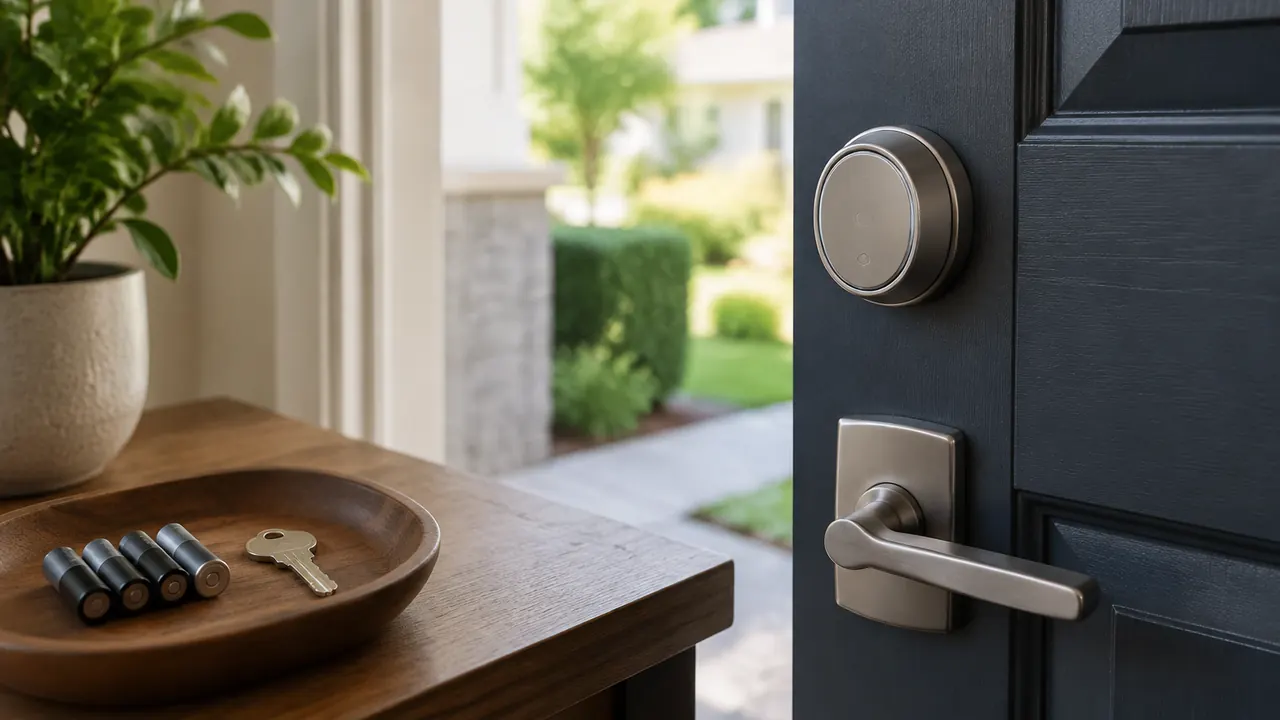
The most important smart-lock demonstration is not opening the door with your phone. It is getting inside when the lock batteries are dead, your home internet is down or the person arriving does not have your app. Those are different failures, and a product that handles one gracefully may leave you stranded during another. Before spending money, ask the seller to explain each situation for the exact model, including any required bridge, hub, account or paid service.
For buyers shopping in March 2026, features such as phone-wallet keys, fingerprint readers and Matter compatibility can make entry more convenient. They do not guarantee the same backup options or offline behavior across products. Start with the door and its frame, then map how each person will enter during normal use and an outage. The right purchase should make access easier without turning a forgotten password, dead phone or discontinued cloud service into a household emergency.
1. Separate battery power from internet access
Most residential smart deadbolts run on batteries inside the door. A household power outage therefore does not necessarily stop the lock motor or its built-in keypad. It can, however, shut down your router, a plug-in bridge or the hub that connects the lock to other devices. An internet outage is different again: your home network may remain powered while the connection to the manufacturer’s cloud disappears.
Think in layers: the lock, a nearby credential, the home network and outside services. A function can operate locally yet still require initial online setup. Others may work offline only after credentials have been downloaded. Use the following as a starting point, not a promise about a particular product. Ask specifically whether existing codes, schedules and phone credentials continue working after a router restart and an extended disconnection.
- Have the seller identify which features fail if only the internet connection disappears.
- Ask separately what happens when the router and hub lose electrical power.
- Confirm whether remote commands expire or might execute after connectivity returns.
| Function | Typical dependency | What to verify |
|---|---|---|
| Mechanical key entry | Compatible cylinder and working mechanism | Whether the key operates with batteries removed |
| Built-in keypad or fingerprint entry | Lock batteries and locally stored credentials | Whether enrollment, schedules or validation require a connection |
| Nearby phone entry | Lock power, compatible phone and supported local radio | Offline operation, account requirements and phone power needs |
| Remote unlocking and alerts | Lock power, network path and usually internet service | Required hub or bridge, cloud availability and service fees |
| Home automations | Compatible controller and possibly cloud services | Which routines execute locally and survive outages |
2. Inspect the door before choosing the electronics
A smart lock cannot compensate for a weak door frame. A splintered jamb, loose strike plate, damaged door or poorly secured hinges can undermine an expensive deadbolt. Inspect those parts first. Reinforcement may be worthwhile, but fasteners must suit the frame, surrounding construction and any nearby wiring or glass. Ask a qualified locksmith or door professional to assess damage, unusual construction or a door that does not close squarely.
Next, measure rather than assume. Many products target common U.S. door preparations, but door thickness, bore diameter, backset and spacing between hardware still matter. A retrofit device that turns an existing deadbolt has different compatibility limits from a complete replacement. Screen doors, decorative trim and narrow clearances can interfere with the interior housing. Renters should get permission before changing hardware and check building access requirements.
Finally, operate the existing deadbolt with the door open and closed. It should extend fully without lifting, pushing or pulling the door into position. Binding can strain a smart lock’s motor, drain batteries and cause incomplete locking. Fix alignment first; software calibration is not a substitute for sound mechanical fit.
- Match every required dimension to the installation guide for the exact model.
- Check the bolt’s required throw and strike-pocket depth.
- Verify compatibility with your existing cylinder if keeping exterior hardware.
- Confirm that people inside can exit as required by applicable building and fire rules.
3. Rehearse entry with completely dead batteries
Low-battery warnings are helpful, but they are not backup entry. Notifications can be missed, and the time remaining depends on battery condition, temperature, motor workload and usage. Read the approved battery specification. Do not assume rechargeable cells are acceptable substitutes: their voltage characteristics may differ, and some manufacturers explicitly prohibit them. Replace batteries as directed rather than mixing old and new cells.
For a keyed model, confirm that its cylinder mechanically operates the bolt without electrical power. Keep a tested key somewhere you can actually reach while locked out, such as with a trusted nearby person. A key inside the house or attached to a key ring you routinely leave indoors is not much of a contingency.
Keyless models may provide exterior contacts or a port for emergency power. These usually supply temporary electricity; they do not bypass authentication or recharge the installed batteries unless the manual says so. You still need the correct code or other accepted credential. Verify the power source, connector and procedure before purchase, then practice under the manufacturer’s instructions while another entrance remains available.
| Backup method | What it can address | Important limit |
|---|---|---|
| Mechanical key | Loss of lock battery power | Requires an accessible key and functioning cylinder |
| Exterior emergency power | Depleted internal batteries | Requires the specified power source and valid authentication |
| Another secured entrance | Failure at the smart-lock door | Must be accessible without the same failed device |
| Trusted key holder or locksmith | No usable entry method on hand | Availability, travel time and cost vary |
4. Test the hub, app and subscription dependencies
Connectivity labels describe parts of a system, not the whole experience. Bluetooth commonly supports nearby communication. Wi-Fi can connect a lock directly to a home network. Other locks use a separate bridge or a smart-home protocol. A Matter-over-Thread lock generally needs a compatible Matter controller and Thread border router for ecosystem connectivity; those roles may be combined in one device. Confirm the manufacturer’s exact requirements.
Matter support does not mean every feature appears in every app. Fingerprint enrollment, detailed history or specialized access tools may remain in the manufacturer’s software. Likewise, a locally controlled lock can lose remote access if the household’s controller or internet connection fails. A battery backup for network equipment may help during a short electrical outage, but it cannot guarantee that your internet provider stays online.
Before the return window closes, test with the internet disconnected while leaving the router powered. Then test separately with the router and hub off, keeping a safe alternate entrance available. Try local entry, existing guest codes and interior unlocking. Review which alerts arrive afterward. Check whether subscriptions affect basic operation, remote access, history retention or guest management, and whether cancellation leaves previously issued credentials usable.
5. Make guest access work without your phone
Guest access should match the visitor, not just the owner’s enthusiasm for technology. A houseguest may have an incompatible phone; a cleaner may not want another account; a relative may struggle with a small touchscreen. A keypad can simplify access, but ask whether codes live on the lock and whether adding, changing or revoking them requires internet service.
Distinguish creating a credential from delivering it to the lock. An app can display a newly created code before an offline lock has received it. Similarly, a deletion request may not take effect until synchronization occurs. Time-limited access also deserves scrutiny: ask how the lock maintains time during disconnection and what happens after battery replacement. Do not give guests assurances you have not tested.
- Assign individual guest credentials instead of sharing the household’s main code.
- Test scheduled access at its start and end times, not merely after creation.
- Confirm the lock acknowledges a credential change before relying on it.
- Give overnight guests an outage plan and a contact they can reach.
- Ask whether phone-wallet entry has a supported low-power reserve mode; do not assume a dead phone will work.
6. Check software support as carefully as the warranty
A hardware warranty does not tell you how long an app, cloud service or security-update program will remain available. Look for a written support policy, any stated end date and clear instructions for reporting vulnerabilities. If there is no published commitment, treat that as uncertainty rather than assuming support will last as long as the door hardware.
Read the account and privacy requirements, too. Entry histories reveal household routines. Check who can view them, how long they are retained and whether you can delete them. Enable multifactor authentication where offered, protect the associated email account and give each administrator a separate login when supported. Ask what still works if the company ends cloud service.
- Verify current phone operating-system requirements and compatibility with every intended user’s device.
- Check whether security updates install automatically, require approval or need a nearby phone.
- Find the procedure for removing administrators, transferring ownership and factory-resetting the lock.
- Confirm whether a reset erases credentials and removes links to smart-home platforms.
- Save the model number, manual and recovery instructions somewhere accessible outside the home.
7. Buy only after the backup plan makes sense
Before keeping the lock, have each household member demonstrate normal entry and the backup method. Include anyone with limited grip, vision or mobility. Confirm the interior control is straightforward and that nobody needs an app to escape. Test auto-lock behavior carefully: a timer is not necessarily proof that the door is closed or that the bolt seated correctly.
Build a maintenance routine around checking door alignment, reviewing access permissions and responding promptly to battery warnings. Keep the specified replacement batteries on hand, but store emergency entry supplies where a locked door will not block access. Choose the model whose failure behavior you understand, not the one with the longest feature list. Reliable hardware, a solid frame and a rehearsed alternative entrance matter more than another notification.
Check current compatibility lists, subscription terms and support commitments before purchase, and consult a qualified professional about door reinforcement or exit-safety requirements.
AI Assistance Used — AI assistance was used in researching and drafting this article. It was reviewed, edited, and fact-checked by Nadia Clarkson before publication.