Will Your Smart Home Still Work if Its Cloud Service Shuts Down?
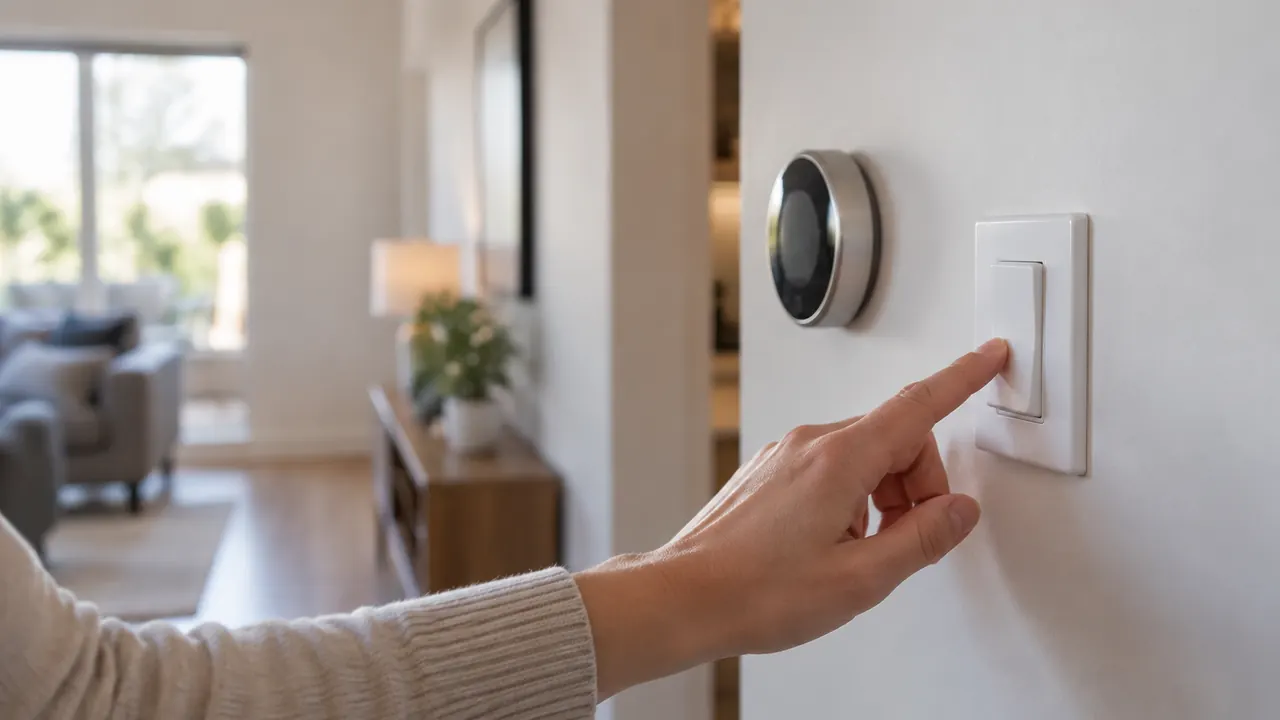
The wall switch still looks like a switch. The thermostat still hangs in the hallway. But when a smart home company ends a service, the hardware you bought may lose anything from remote access to its main reason for existing. The useful buying question in 2026 is not simply whether a product works without internet. It is whether the product can keep doing its essential job without the company that sold it.
Those are different tests. A brief broadband outage leaves your account, subscription and vendor servers waiting to reconnect. A permanent shutdown can remove authentication, setup, stored settings and app access for good. Before adding another connected lock, camera or light, trace how commands reach it, where schedules run and what happens after a reset. Then check whether someone standing in your home can still operate it without a phone.
1. Separate an internet outage from a service shutdown
During an internet outage, your home network may still work. Devices can communicate over Wi-Fi or Ethernet, and a powered hub may continue controlling accessories over other local radio networks. Cloud-dependent commands fail, but local controls can remain available. A power outage is another problem entirely: a router, hub and connected device each need power unless their functions have suitable battery backup.
When a vendor permanently closes its service, connectivity alone cannot fix the problem. An app may require a server login even when your phone and device share the same network. Existing access might survive temporarily through cached credentials, then stop when those credentials expire. A working installation can also become impossible to rebuild after you replace a phone, reset a hub or move. Ask about both continued operation and recovery, because a successful afternoon offline does not prove long-term independence. A company saying that devices will remain operational is not enough unless it identifies exactly which functions, setup paths and supported controllers will remain.
| Situation | What may keep working | What to check |
|---|---|---|
| Home internet outage | Physical controls and local automations | Whether the router and hub remain powered |
| Vendor server outage | Functions that do not contact that server | Login and command dependencies |
| Permanent service closure | Independent local functions | Credential renewal, setup and recovery |
| Expired subscription | Features included without a plan | Current plan terms and storage access |
2. Find the actual path behind 'local control'
Local control should mean that a command can travel from a controller to the device within your home without approval from an outside server. But product descriptions sometimes use the phrase more loosely. A local radio connection to a hub does not establish whether that hub needs the vendor’s cloud to receive app commands. Bluetooth access can help, but only if the app can open and operate the device without online authentication.
Look for model-specific documentation rather than assuming a brand’s whole lineup behaves alike. In 2026, Matter support can offer a useful route to local operation through a compatible controller, but it is not a blanket promise that every advertised feature works offline. Advanced settings, recordings and vendor-specific functions may remain in a separate app or service. Thread describes a networking technology, not a guarantee of cloud independence; Thread devices need a suitable border router to communicate with the rest of an IP network.
- Ask whether everyday commands work with the vendor’s servers unavailable, not merely with remote access disabled.
- Identify every required hub, controller and border router, including who supplies its software.
- Check whether another supported controller can operate the device, and which features that route actually exposes.
3. Check where schedules and automations live
A schedule shown in an app can be stored on the device, run by a home hub or executed in the cloud. Those arrangements look similar until connectivity disappears. A thermostat with an onboard weekly program may keep following it without internet. A cloud routine that changes the thermostat when your phone leaves home may stop. The same distinction applies to lights, irrigation and plugs: the location of the automation engine matters more than the screen used to create it.
Ask whether schedules survive a restart, not just a disconnection. Some equipment needs network access to establish the correct time after losing power. Other devices retain time or obtain it locally. Sunrise rules, weather adjustments and phone-based presence detection introduce additional dependencies even when the basic timer is local. For something consequential, such as keeping a room warm, choose a safe fallback setting rather than relying on a chain of services. Confirm whether you can edit the schedule offline as well as run an existing one.
- Where is each schedule stored, and what hardware executes it?
- Will it run after a power interruption while internet service remains unavailable?
- Do sensor triggers work locally, and what happens if a sensor disappears?
- Can you view, change and cancel the schedule without a cloud login?
4. Make manual overrides a buying requirement
A physical control is often the most durable backup, but inspect what it actually does. A smart wall switch should still control its connected load when cloud features fail. A smart bulb may illuminate when power is restored, yet return to a brightness or color you would not choose. Some wall controls only send wireless commands, so pressing a button does not necessarily bypass a failed hub. Ask about the exact wiring and configuration.
For locks, verify whether a mechanical key, interior thumb turn or locally stored entry code remains usable, and how batteries are replaced or emergency power is supplied. For thermostats, check that someone can adjust temperature at the unit without an account. Everyone in the household should know the fallback, including guests and caregivers. Never assume a general smart home routine provides the reliability of a dedicated safety system. Smoke and carbon monoxide alarms, exit access and freeze protection deserve particular attention to manufacturer instructions and independent operation. If installation affects wiring or door hardware, have a qualified professional confirm that the fallback is safe and practical.
| Device | Useful fallback | Detail to verify |
|---|---|---|
| Light switch | Direct physical load control | Whether its configured mode bypasses the relay |
| Smart bulb | Wall-switch power cycling | Power-restoration brightness and behavior |
| Door lock | Key, thumb turn or local code | Which methods work without the service |
| Thermostat | Controls on the unit | Temperature adjustment without login |
5. Treat subscriptions as separate dependencies
A subscription ending and a cloud service shutting down can remove different features. A camera might retain live viewing without a paid plan but lose recorded history, person detection or selected alerts. A lock might keep local codes while losing cloud-managed guest access. These are possibilities, not universal rules: the division varies by model, region, plan and software version. Read the current feature chart and support documents before relying on a retailer’s short description.
Local storage is helpful only if you can use it independently. A camera with a memory card may still need its app and cloud account for playback, configuration or encryption-key access. Check whether recording continues offline, whether footage can be exported and whether another supported local recorder is an option. Also distinguish a paid feature from a genuinely local one. Paying for a subscription does not make the feature more resilient, and a free cloud feature still disappears if its service closes. Save copies of important clips before canceling rather than assuming access will continue through a grace period.
- List essential features under three headings: local, free cloud and paid cloud.
- Check retention periods, export options and what happens to stored data after cancellation.
- Calculate the ongoing cost, but do not mistake a prepaid plan for a service-continuity guarantee.
6. Test outages without creating a lockout
Within the return window, perform a controlled offline test. Keep the home router and local network running, but temporarily disconnect the router’s internet connection. Put your phone in airplane mode, then turn Wi-Fi back on and connect to your home network so cellular data cannot quietly rescue the app. Try physical buttons, app commands, schedules and sensor-triggered routines. Test from another household member’s phone too, since permissions and cached logins may differ.
Do this only when interruption is safe. Do not experiment with essential medical equipment, active security monitoring or a lock without a reliable alternative way inside. Restore connectivity afterward and confirm normal operation. If appropriate, separately test a device restart while offline, but avoid factory resets unless you understand the recovery process. An outage test reveals immediate dependencies; it cannot fully reproduce revoked credentials, a withdrawn app or a permanently unavailable setup server. Document the results by function rather than giving the whole product a single pass or fail. If a seller promises offline operation, ask it to clarify any mismatch in writing before your return deadline.
7. Buy for recovery, not just today's operation
The strongest purchase has a credible second life: useful physical controls, documented local operation and a supported way to connect to an independent controller. Before buying, ask whether initial setup and factory-reset recovery require vendor servers. Also ask what happens when ownership changes. A device that works indefinitely for its current owner but cannot be transferred or recommissioned remains vulnerable. Keep setup codes, manuals and purchase records somewhere secure and accessible without the vendor’s app.
Look for a published security-support period and an end-of-service policy, while recognizing that promises are not guarantees of business survival. Local operation does not eliminate security risk, either; unsupported connected equipment may need isolation or replacement. Favor products whose basic job remains useful after optional intelligence disappears. For an existing home, start by auditing the devices with the biggest consequences: access, heating, water control and security. Replace brittle dependencies gradually. The goal is not a house that never uses the cloud, but one where losing a service becomes an inconvenience instead of losing control of your home.
Check current model-specific documentation, subscription terms and support commitments before buying, and consult a qualified professional for electrical or safety-critical installations.
AI Assistance Used — AI assistance was used in researching and drafting this article. It was reviewed, edited, and fact-checked by Leah Fornier before publication.