QR Codes at Parking Meters: What to Check Before Paying
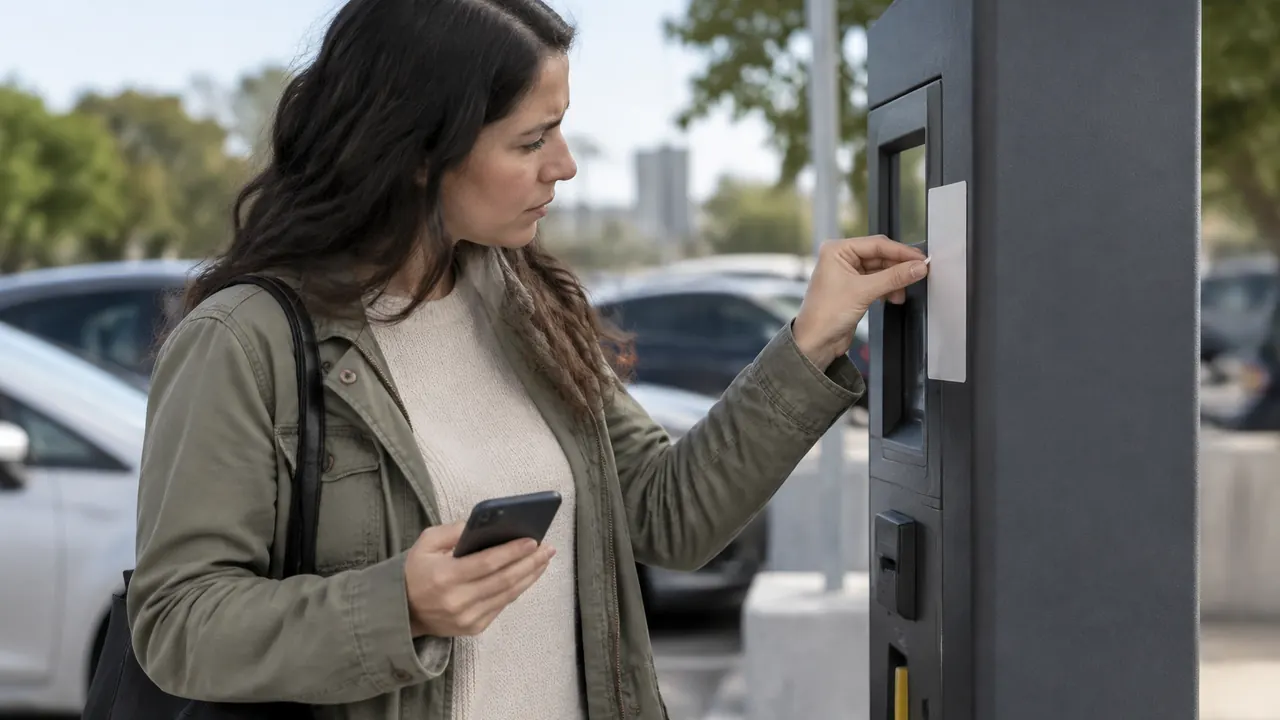
You have found a parking space, traffic is passing close by, and a sticker on the meter promises a quick way to pay. That convenience is also what makes parking QR codes useful to scammers: A fraudulent sticker can borrow the credibility of a real meter while sending your phone somewhere the parking operator never intended.
For drivers in 2026, the important distinction is between a shortcut and proof. A QR code is a shortcut to information, often a website; its placement does not prove that destination is legitimate. Scanning also is not the same as authorizing a payment. Before entering a card number or approving a wallet charge, confirm who will receive your money and which space it will cover.
1. Understand how a real parking purchase gets redirected
A scammer does not have to compromise the meter itself. A sticker placed over an existing code, or beside legitimate instructions, can point to a counterfeit payment page. That page might copy a city's colors, display a familiar parking logo and ask for perfectly plausible details: your license plate, parking zone, time requested and credit card information.
The deception can take different forms. Some pages collect card details for later misuse. Others charge for an unrelated service, steer drivers into recurring billing or take money without creating a parking session. A convincing receipt only proves that a page generated a receipt; it does not establish that the operator recorded your payment. You could lose money and still face a parking citation.
Not every unfamiliar provider or added sticker is fraudulent. Cities and private operators use outside vendors, update equipment and sometimes post temporary instructions. The useful question is not whether the design looks professional, but whether you can independently connect that payment service to the specific lot, garage or curbside zone where you parked.
2. Check the sticker, but do not rely on appearance
Before scanning, take a few seconds to examine the code's placement. Look for a sticker covering another code, mismatched materials, peeling edges or instructions that conflict with nearby signs. These are reasons to pause, not a reliable test by themselves. Legitimate stickers weather and peel, while a fraudulent label can be clean, neatly printed and carefully aligned.
Compare the instructions with fixed signage or another nearby meter, while remembering that more than one surface could be tampered with. Do not peel off labels, open equipment or damage the kiosk to investigate. If something seems wrong, photograph the location and report it through a contact you find independently. Use another verified payment method or choose another legal space rather than assuming a suspicious code excuses nonpayment.
- Check whether the code obscures original printing, another payment label or part of a posted instruction.
- Compare the provider name and zone number across the meter, entrance signs and official payment interface.
- Treat a replacement-payment notice as unverified until the operator confirms it through an independent channel.
- Keep your phone and your attention away from moving traffic while examining the meter.
3. Find the official payment service independently
For public street parking, start with the municipality's official parking or transportation website, reached through a known address or the main city website. For a private lot or garage, use the operator's independently located website. Follow its payment instructions for that location. A general web search can help, but a sponsored result or a familiar-looking name is not evidence of authorization.
If the operator supports an app, follow the app-store link from its official website when possible. Check the developer name against the operator's instructions before installing it. If you already have the verified app, open it directly and enter the posted zone instead of scanning. Confirm the street or facility, license plate, rate and duration; location suggestions can select a nearby but different zone.
Depending on the location, an independent route may be a meter's card reader, coins or an official pay-by-phone service. None is a universal guarantee, and availability varies. Inspect physical readers for obvious tampering, and get phone numbers from a trusted source rather than the questionable sticker. If you cannot verify any route, finding another legal space is safer than improvising a payment.
| Payment route | Useful check | Remaining concern |
|---|---|---|
| QR code on a meter | Match the destination to official instructions | The label may have been replaced |
| Existing verified app | Confirm zone, vehicle and session details | Nearby zones can be confused |
| Operator website | Reach it independently | A search ad may impersonate it |
| Meter card reader | Inspect the reader and displayed charge | Physical tampering is still possible |
4. Read the destination before entering information
Many phone cameras show a destination preview before opening a QR link. Use it, then check the browser's address bar after the page loads. An abbreviated preview may hide important details, and a link may redirect. If your phone opens links automatically, you can still stop before submitting information. Compare the final address with the payment link provided through the operator's official channel.
Read the hostname, not just the logo or words elsewhere on the page. In a hypothetical address such as cityparking.example.com, the site sits under example.com; the cityparking label does not make it a city website. Watch for misspellings, extra words, substituted characters and unexpected endings. A shortened link hides the destination and deserves independent verification, although shortening alone does not prove fraud.
A padlock or HTTPS means the connection is encrypted, not that the business is trustworthy. Legitimate parking providers may use their own domains, so rejecting every non-city address is not the answer either. Verify the relationship. Stop if a basic parking payment unexpectedly demands your banking password, an unrelated account login or installation of software outside an official app store. Do not override browser security warnings to finish paying.
5. Separate scanning from authorizing a charge
Simply pointing a camera at a QR code generally decodes its contents or offers to open a link. It does not, by itself, authorize a card payment. Opening a website is also distinct from entering payment details, submitting a form or approving a digital-wallet transaction. Keeping those steps separate gives you opportunities to stop even after scanning a suspicious sticker.
That distinction is not a promise that every opened link is harmless. A page may collect ordinary connection data, attempt a download or exploit unpatched software. Keep your phone and browser updated, and decline unexpected downloads, configuration profiles and permissions. If you only opened the page without entering information or accepting anything, close it; that alone generally does not justify replacing your card.
Before final approval, read the amount, merchant information, parking details and any recurring-payment terms. A wallet can limit exposure of your underlying card number, but it cannot certify that the merchant is authorized to sell parking at your location. Likewise, approving with a fingerprint, face scan or passcode confirms your action, not the site's legitimacy. Abandon the transaction if its terms do not match the parking purchase.
6. Make sure the payment actually covers your space
After paying through a verified service, look for an active session showing the correct plate, zone or space, expiration time and amount. Save the confirmation or receipt. Where the system provides an official session history, check it there rather than relying solely on an email, text or page reached through the questionable code.
A curbside meter may not change its display when payment is tied to your plate, so a screen that still looks unpaid is not conclusive. Follow the operator's instructions. Payment also does not override posted limits, loading restrictions or temporary closures. If you realize you paid through a suspicious site, contact the actual operator promptly to ask how to establish a valid session.
- Check the license plate for typing errors and confirm the selected vehicle if your account stores several.
- Save the location, payment time, amount and session identifier without exposing full card details.
- If no valid session exists, use an independently verified method; the disputed charge is a separate issue.
- If cited, follow the issuing agency's appeal process and deadline. Evidence of fraud does not guarantee cancellation.
7. Respond according to what you shared
If you entered card details on a suspicious page, contact the issuer promptly through its app or the number on your card, even if no charge appears. Explain what happened and ask whether to lock or replace the card. Report unfamiliar transactions; dispute rights and deadlines vary by payment type and circumstances. A temporary lock does not necessarily stop every pending or recurring charge.
If you entered a password, change it through the real service and anywhere you reused it. Review account activity and enable multifactor authentication where available. If you installed software or a configuration profile, seek guidance from your device maker or a trusted support provider. Preserve the URL, screenshots and receipts, but do not revisit the site just to gather evidence.
Report the sticker to the parking operator using independently verified contact information, including the meter number or location. You can also report the fraud to the Federal Trade Commission through ReportFraud.ftc.gov. Beware of follow-up messages offering refunds: Verify them separately, and never provide a one-time security code to someone who contacts you unexpectedly.
Payment options, fees and dispute procedures can change; verify current parking instructions with the operator and current card protections with your issuer.
AI Assistance Used — AI assistance was used in researching and drafting this article. It was reviewed, edited, and fact-checked by Leah Fornier before publication.