Robot Vacuums in 2026: What to Check Beyond Suction Claims
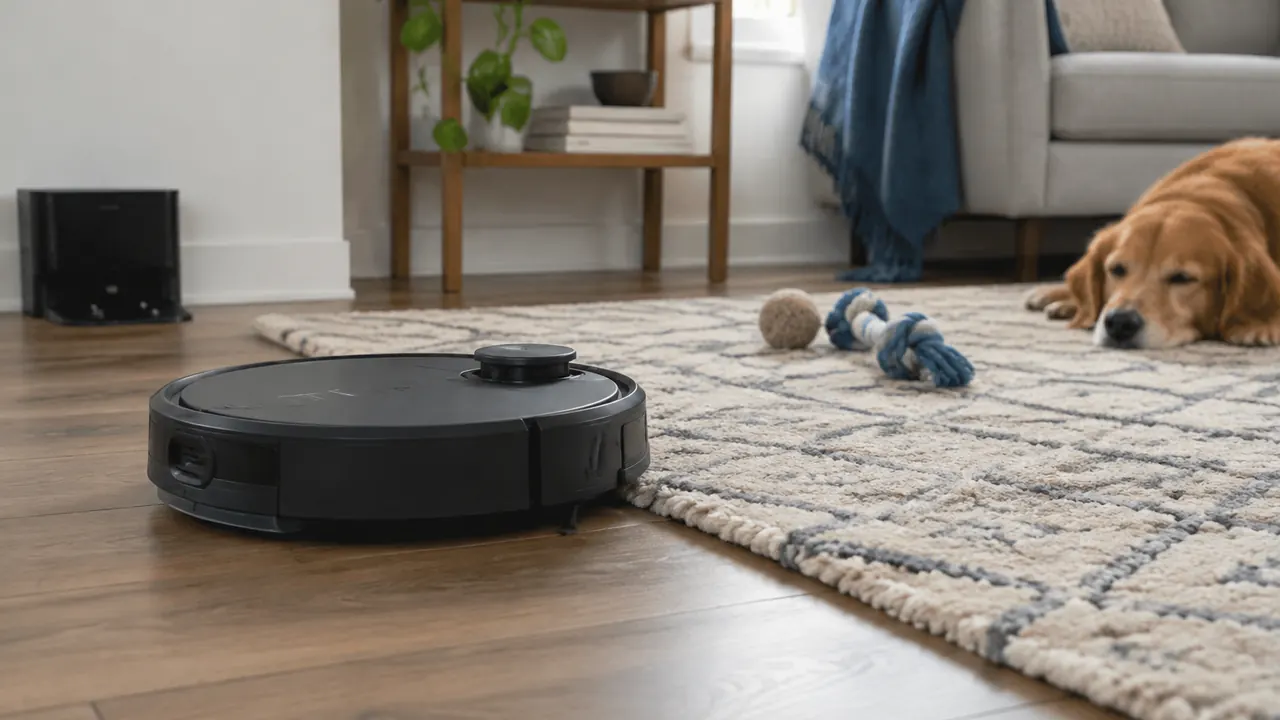
The most useful robot vacuum is not necessarily the one with the biggest suction number. It is the one that finishes your rooms, leaves rugs reasonably clean and needs less attention than the cleaning it replaces. In July 2026, buyers face an increasingly elaborate mix of obstacle recognition, lifting or retracting mops, automated washing and docks that promise to handle the mess. Those features can help, but each adds conditions, maintenance or space requirements that deserve a closer look.
Start with your actual household: floor types, rug edges, loose cords, shedding pets and the spot where a dock could live. Then compare what happens during an ordinary week, not just a demonstration on an empty floor. Advertised suction, often expressed in pascals, does not by itself establish pickup performance. Brush design, airflow, navigation and repeated coverage matter too. The goal is fewer chores overall, including the chores created by the robot.
1. Separate navigation from obstacle avoidance
Navigation is how a robot locates itself and plans a route. Obstacle avoidance is how it responds to something in that route. A machine can map rooms accurately yet still swallow a charging cable. Lidar, cameras, structured light and other sensors appear in different combinations; the sensor label alone does not establish reliability. Look for testing that shows complete cleaning runs, missed areas and rescues rather than a single successful pass around a shoe.
Match navigation to the places you expect to clean. Check whether the robot works reliably under beds, recognizes room boundaries and resumes sensibly after charging. Camera-based systems differ in their lighting needs, while reflective surfaces and unusual furniture can challenge several sensor types. For a multilevel home, verify saved-map support and how the robot identifies another floor. Most robots still need to be carried between floors, and a saved map does not provide a second charging station.
Obstacle recognition should reduce preparation, not eliminate supervision. Small, flat or unfamiliar objects remain difficult, and advertised object categories do not guarantee avoidance in every position. If pet accidents are possible, inspect the floor before scheduled cleaning. Check any pet-waste guarantee for eligible models, registration requirements, exclusions and remedies instead of treating it as insurance against a contaminated house.
| Capability | What to look for | What it does not prove |
|---|---|---|
| Room mapping | Stable maps and editable boundaries | Reliable avoidance of small objects |
| Object recognition | Tests with cords, socks and toys | Recognition of every household hazard |
| Low-light operation | Successful runs in your lighting conditions | Equal performance under all furniture |
| Multiple maps | Clear floor selection and map recovery | Independent charging on every floor |
2. Judge carpet pickup and rug handling separately
A robot that collects crumbs from a hard floor may struggle with embedded grit or hair in carpet. Seek separate results for hard floors, carpet debris and hair removal, ideally with the same test method across models. Maximum suction may apply only in a noisy, battery-intensive mode. Ask whether the robot automatically boosts power on carpet and whether that setting is enabled in the cleaning mode you intend to use.
Rug handling adds a different set of problems: climbing the edge, avoiding fringe and keeping a lightweight rug from folding. Measure your highest transitions, but do not assume a stated climbing height applies to every shape or approach angle. A square threshold, soft rug edge and rounded sill behave differently. High-pile and shag rugs may require exclusion even when lower rugs clean well. Check the manual against the rug maker's care instructions.
Mop lifting also deserves scrutiny. Clearance measured above a hard floor may not keep damp pads away from tall fibers. Some systems leave mop components at the dock; others lift them or route around carpet. Confirm which behavior works in mixed-floor rooms and whether the robot must cross a rug to reach another space.
- Test fringe, dark rugs and lightweight mats during the return window.
- Check whether no-mop zones and no-go zones can be set independently.
- Inspect brushes for wrapped hair after several representative cleaning runs.
3. Treat automated mopping as a maintenance trade
Mopping features range from a dragged damp cloth to powered pads or rollers with onboard water management. Motion, contact pressure and water control can matter more than a feature's name. Look for results on dried spills as well as fresh marks. A robot is generally a maintenance cleaner, not a dependable substitute for manually addressing sticky spills, grout buildup or substances that should never enter its cleaning system.
A washing dock removes some pad handling but creates another wet appliance to maintain. Dirty-water tanks need prompt attention to prevent odors, and trays, filters and wash surfaces can accumulate sludge or hair. Pad drying helps, but does not replace washing or guarantee that every damp component dries completely. Advertised hot-water washing or heated drying describes a process, not necessarily verified disinfection of floors or the entire machine.
Check your flooring warranty before setting water flow, especially on wood or moisture-sensitive surfaces. Use only cleaning solutions the robot manufacturer permits; improvised mixtures can foam, damage parts or leave residue. Find out whether detergent dosing is optional and whether a proprietary cartridge is required. For plumbed docks, verify the exact installation requirements, leak precautions and whether professional installation is recommended.
- Read the schedule for emptying dirty water and cleaning the wash tray.
- Check whether pads, rollers and tray components are easy to remove.
- Verify whether replacement pads are washable and how they should dry.
- Account for pets or children that could disturb accessible tanks.
4. Measure the dock as an appliance, not an accessory
An all-in-one dock may save trips to a trash can while occupying the space of a small household appliance. Published dimensions do not always include the robot parked in front, opened lids or the clearance needed to lift tanks. Use the installation diagram, not a retailer's product thumbnail. Measure width, depth and height, then add the manufacturer's approach and side-clearance requirements. Make sure the placement also leaves a normal walking route.
Access matters as much as fit. A dock beneath a shelf may prevent tank removal, and a tight cabinet can complicate ventilation, wireless connectivity or servicing. Place it on a surface approved in the manual, near a suitable outlet, with its cord protected from the robot. Consider where you will carry dirty water and whether that route crosses a rug. Self-emptying and drying can also be disruptive beside a bedroom or work area.
Before ordering, outline the footprint with tape and mimic opening the lid and lifting a full tank. This simple check can expose an awkward installation that measurements alone miss.
| Measurement | Include | Practical check |
|---|---|---|
| Floor footprint | Dock, parked robot and ramp | Does it obstruct a doorway? |
| Vertical access | Open lids and tank removal | Can tanks clear the shelf above? |
| Approach space | Required front and side clearance | Can the robot return without maneuvering around clutter? |
| Service access | Bag, tray and filter removal | Can you clean it without moving the dock? |
5. Check what the app and cloud are doing
A connected robot can create a detailed representation of your home. Camera-equipped models may also support obstacle images or remote viewing, depending on the product. Read the model's privacy notice and app permissions before linking accounts. Determine what stays on the device, what uploads, how long information is retained and whether you can delete maps, images and the account. Do not assume that disabling remote viewing disables every image-processing function.
Look for separate controls for image sharing, product-improvement participation, microphone access where applicable and third-party integrations. Grant only permissions needed for features you use. Install security updates, use a unique account password and enable multifactor authentication if offered. A household member or guest should not unexpectedly discover that a cleaning appliance also permits someone to view the room remotely.
App dependence is also a usability issue. Ask what works without internet access, during a cloud outage or after an account logout. A physical start button may launch basic cleaning while room selection, schedules or map editing remain unavailable. Verify whether initial setup requires an account, whether multiple people can manage the robot securely and whether any desired features require a subscription. Check the stated software-support policy rather than assuming connected features will remain available indefinitely.
6. Build a realistic recurring-cost estimate
The purchase price is only the first line of the budget. List dust bags, filters, side brushes, main brushes, mop pads or rollers and approved cleaning solution. Replacement intervals in a manual are starting points, not promises: shedding, floor area and cleaning frequency affect wear. App reminders may reflect elapsed use rather than the actual condition of a part. Inspect supplies and follow cleaning instructions instead of replacing or washing everything indiscriminately.
Calculate a year of supplies using current pack prices and the number of replacements you expect, then compare a lighter-use and heavier-use scenario. Include shipping and check whether economical bundles contain parts you will actually consume. Reusable components still require cleaning time. Water and electricity belong in the calculation too, although their cost depends on local rates and how often washing and drying run.
Longer-term ownership depends on repairability and availability. Check battery replacement options, warranty exclusions and whether the maker sells genuine parts for the exact model. Similar-looking brushes or bags are not necessarily interchangeable. Third-party supplies can cost less, but fit, filtration and durability vary; compare specifications and consider whether a poor seal could undermine dust containment.
7. Use the return window to measure work saved
Run a realistic trial while you can still return the machine. Keep your ordinary furniture arrangement and test both routine debris and the rooms most likely to cause trouble. Follow setup instructions first, then record rescues, missed areas, tank trips and time spent untangling brushes. Compare that effort with the vacuuming and mopping it actually replaces, not with the appealing idea of never cleaning again.
Check the retailer's return deadline, packaging requirements, return shipping and any applicable restocking terms before purchase. Save the box until the decision is made. A less elaborate robot that reliably handles your floors can be a better choice than a flagship requiring constant intervention. Conversely, a larger dock may be worthwhile when it meaningfully reduces dust handling or pad washing in a busy household.
- Test scheduled cleaning when rooms have their usual lighting and clutter.
- Inspect rug edges and hard floors for unwanted moisture after mopping.
- Try basic controls with internet access unavailable.
- Choose by completed cleaning and maintenance minutes, not the longest feature list.
Buyer’s note: Verify current prices, dimensions, privacy terms, subscription requirements and maintenance instructions for the exact model and dock before purchasing.
AI Assistance Used — AI assistance was used in researching and drafting this article. It was reviewed, edited, and fact-checked by Nadia Clarkson before publication.