Buying a Power Bank: Compare Usable Capacity, Charging Speed and Safety
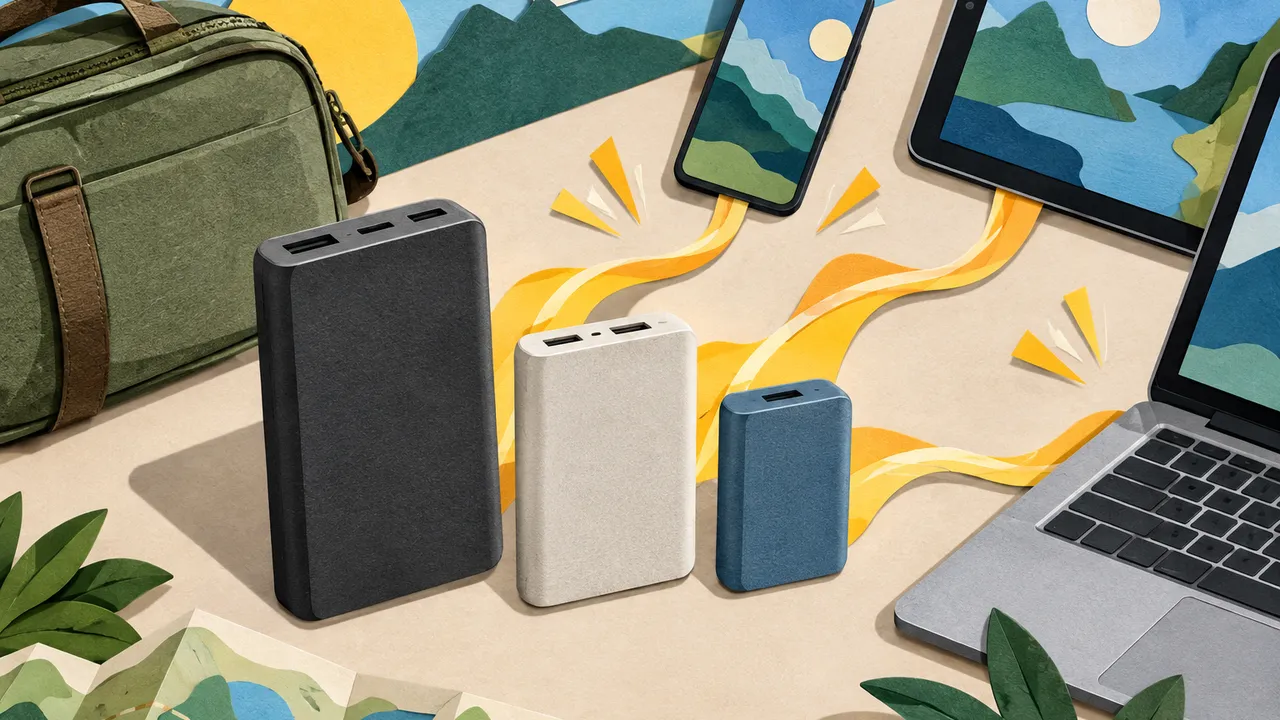
A power bank can promise thousands of milliamp-hours and still disappoint halfway through a trip. The headline capacity describes its internal battery, not the energy that ultimately reaches your phone. Charging losses, device use and power limits all affect what you get. Comparing energy delivered and compatible output helps separate genuinely useful upgrades from larger numbers on packaging.
For US shoppers comparing models in October 2026, the useful questions are practical: How many recharges will it deliver? Can it charge your particular device quickly? What happens when another cable is connected? And can its safety claims be checked independently?
1. Convert advertised capacity into realistic recharges
Milliamp-hours, or mAh, cannot be compared directly across batteries operating at different voltages. Watt-hours, or Wh, measure energy: multiply mAh by nominal voltage, then divide by 1,000. A 10,000mAh bank rated at 3.7 volts stores about 37Wh. Use the bank’s printed Wh rating when available, rather than assuming its voltage.
For planning, roughly 60%–80% of stored energy may end up in a phone battery during wired charging. These estimates assume a phone holding about 15–20Wh; wireless charging, heat, aging and active use can reduce results. Divide usable Wh by your device’s battery Wh, checking manufacturer specifications when available.
Some labels also specify rated output capacity at a stated voltage. For example, 6,500mAh at 5V represents 32.5Wh delivered under the manufacturer’s test conditions. That is distinct from internal cell capacity and still excludes subsequent losses inside the charging phone.
| Advertised capacity | Approximate stored energy at 3.6–3.7V | Estimated full phone recharges |
|---|---|---|
| 5,000mAh | 18–19Wh | 0.5–1 |
| 10,000mAh | 36–37Wh | 1–2 |
| 20,000mAh | 72–74Wh | 2–4 |
| 27,000mAh | 97–100Wh | 3–5 |
2. Match charging speed to the device
The largest wattage on the box is a ceiling, not a guaranteed charging rate. Your device, the selected port, charging protocol and cable must support the required combination. USB-C describes the connector; it does not guarantee USB Power Delivery, known as PD, or any particular output.
Many phones charge well from a compatible 20–30W source, while tablets and laptops may need more. Some phones require Programmable Power Supply, or PPS, for their best speeds. Check your device maker’s requirements against the bank’s listed output profiles. Peak rates also fall as batteries fill or temperatures rise.
Consider how quickly the bank itself refills between outings. A 37Wh bank accepting 18W needs just over two hours even in an ideal calculation; conversion losses and charging taper extend that. Manufacturer recharge-time claims should identify the required wall charger.
- Separate output wattage from input wattage, which governs recharging the bank.
- For USB-C charging above 60W, use an appropriately rated, electronically marked cable.
- Check voltage profiles, not just total watts, for laptop compatibility.
3. Read the shared-port power limits
A bank advertised as 100W may supply that much through one port only when nothing else is connected. Add a phone and the laptop’s allocation can drop sharply. Look for the manufacturer’s simultaneous-output table, including the exact port combinations you expect to use.
Total output and individual port limits are different specifications. A bank might have enough combined wattage for two devices but distribute it poorly for your needs. Connecting another device can also trigger a brief charging interruption while power is renegotiated. Ask support for documentation if the listing is unclear.
For example, a 65W bank might split into 45W plus 20W with two devices attached. A laptop consuming 50W could then drain its battery despite showing a charging symbol. Test your usual workload, not merely whether charging starts.
- Identify the highest-output USB-C port before plugging in a laptop.
- Check whether low-current mode supports earbuds or other small accessories.
- Confirm pass-through charging support and restrictions; never assume it is available.
4. Balance capacity against carrying weight
A smaller bank that stays in your bag is more useful than a heavy one left at home. Many 10,000mAh models weigh roughly 6–9 ounces; 20,000mAh models often weigh around 12–18 ounces. Construction and features vary, so compare listed dimensions and weight, including any essential cables.
For commuting, prioritize one dependable phone recharge and pocketability. For laptops, compare usable Wh and sustained output, accepting extra weight. Before flying, check current Federal Aviation Administration, Transportation Security Administration and airline guidance. Spare lithium-ion power banks belong in carry-on baggage, not checked bags; verify Wh limits, approval requirements and onboard-use rules. Use the label’s Wh figure, especially near 100Wh.
Size capacity around your actual shortfall. If an 18Wh phone needs an extra 50% charge each day, two days require about 18Wh delivered. At 70% overall efficiency, budget roughly 26Wh of stored energy, plus a reserve for unexpected use.
5. Verify safety claims and check recalls
Look for independently verifiable certification covering the finished power bank, not merely a claim that its internal cells were tested. UL 2056 is a relevant power-bank safety standard. Check the exact model and certification scope in the named laboratory’s official directory, such as UL Solutions or Intertek. A logo alone is not proof.
Before buying, search the US Consumer Product Safety Commission’s recall database and the manufacturer’s recall page by brand and model. Recheck products already owned, matching affected serial numbers or production dates. If recalled, follow the specific remedy instructions. Stop using any bank that swells, leaks, smells unusual or becomes abnormally hot.
Safe handling matters after purchase: charge on a hard, uncovered surface rather than under bedding, and avoid hot parked cars. Inspect ports for moisture or debris before connecting cables. After a crushing impact, stop using the bank pending manufacturer guidance.
- Do not treat FCC compliance or a CE mark as independent battery-safety certification.
- Choose a traceable seller, clear model identification and accessible warranty support.
- Keep damaged batteries out of household trash; contact local hazardous-waste services for handling instructions.
Capacity estimates are approximate; verify specifications, certifications, recalls and travel requirements with manufacturers, testing laboratories and official agencies before buying or traveling.
AI Assistance Used — AI assistance was used in researching and drafting this article. It was reviewed, edited, and fact-checked by Lisa Barber before publication.