Matter and Thread in 2026: What Works with Your Smart Home?
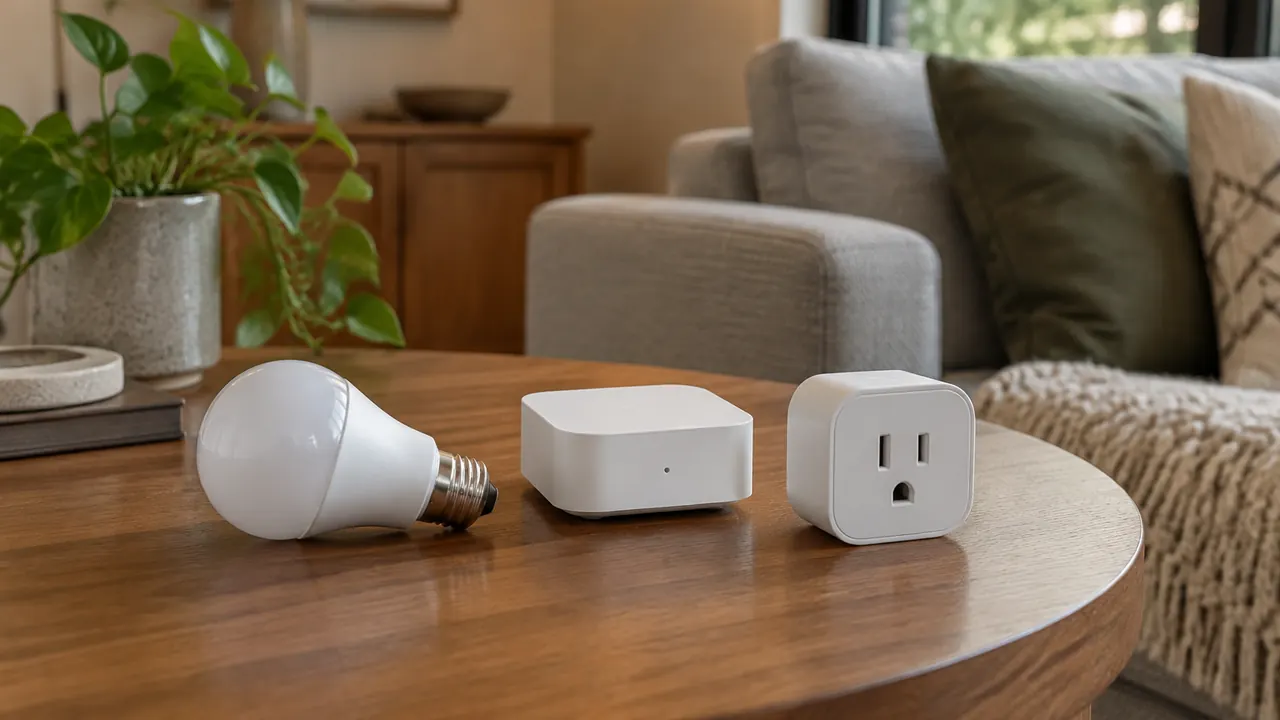
Shopping for a smart-home device in May 2026 still requires more than spotting a Matter logo. A bulb can support Matter but need a Thread network your home does not have. A hub can provide that network without supplying the platform controls you expect. And a device that pairs successfully may expose only some of its functions in your preferred app. The practical question is not simply whether a product is compatible, but whether the exact model does the exact job you want.
Matter has made cross-brand shopping more manageable, but it has not turned every connected product into an interchangeable appliance. Understanding four terms will prevent most buying mistakes: Matter is a compatibility standard, Thread is a networking technology, a Matter controller manages devices for a platform, and a Thread border router connects Thread to your home’s other IP networks. One piece of hardware can perform several roles, which is why product listings can be confusing.
1. Matter is the shared language, not the wireless connection
Matter defines how supported smart-home devices identify themselves, communicate and expose functions to compatible platforms. It uses IP networking and can run over Wi-Fi, Ethernet or Thread. Bluetooth Low Energy commonly helps with initial setup; it is not the normal operating connection for Matter controls. A Matter-over-Wi-Fi plug and a Matter-over-Thread plug can therefore appear in the same platform while using different networks.
The benefit is a standardized route into participating ecosystems, including Apple Home, Google Home, Amazon Alexa and Samsung SmartThings. However, Matter certification is not a promise that every platform supports every device category or implements every available function. Standards, device firmware and platform software advance on different schedules. A feature described in a newer specification does not automatically appear on hardware already in your house.
Treat Matter as a strong starting point for compatibility, not a complete feature list. A listing that says only “works with Alexa” or “works with Google Home” could describe a separate cloud integration rather than Matter. Look for explicit Matter support, the connection type and documentation for the exact product.
| Term | What it does | What it does not guarantee |
|---|---|---|
| Matter | Standardizes device communication and functions | Every feature in every platform |
| Thread | Provides a low-power IP mesh network | A smart-home app or automation system |
| Matter controller | Adds and manages Matter devices for a platform | A built-in Thread border router |
| Thread border router | Routes traffic between Thread and other IP networks | Matter control for your chosen platform |
2. Thread handles the network, not the app
Thread is designed for low-power connected devices such as sensors, locks and bulbs. It creates a mesh in which eligible devices relay traffic for others. Many battery-powered products are sleepy end devices: They conserve energy rather than extend coverage. Eligible, continuously powered Thread devices can strengthen the mesh, but do not assume every plugged-in product acts as a router.
For typical Matter-over-Thread installations, a Thread border router provides the path between that mesh and your home’s Wi-Fi or Ethernet network. It may be built into a speaker, display, streaming box or dedicated hub. It does not translate Thread into Matter; those technologies serve different purposes. A conventional Wi-Fi router is not necessarily a Thread border router, despite the similar name.
Placement matters. A border router hidden in a metal cabinet may struggle to reach a lock at the opposite end of a house. More border routers can improve resilience when they participate in the same Thread network, but mixed ecosystems do not always share network credentials seamlessly. Do not assume buying a second hub automatically creates one larger mesh.
- Confirm that the exact hub model includes an enabled Thread border router.
- Keep mesh-supporting bulbs powered; wall switches can remove them from the network.
- Remember that Thread and Zigbee are different technologies, despite both supporting meshes.
3. A controller and a border router are separate jobs
A Matter controller brings a device into a platform’s secure Matter environment and communicates with it. In common consumer setups, an always-on hub, speaker or similar product supplies controller functions for automations and access when your phone is away. Requirements vary by platform and use case, so check whether phone-only setup or control is supported and what stops working without an always-on controller.
A Thread border router primarily provides network routing. It does not, by itself, add a device to Apple Home or make Alexa routines available. Conversely, a Matter controller without Thread capability may manage Matter-over-Wi-Fi devices but need a separate border router for Thread products. A single compatible hub can fill both roles, reducing the number of boxes you need.
Do not buy based on a family name alone. Different generations, sizes or regional versions of a speaker or streaming device can have different radios. Check the model number against the platform’s current support page, including required firmware. If you already own a suitable controller and border router, another manufacturer-branded hub may be unnecessary for a native Matter device.
| Device connection | Network requirement | Platform requirement |
|---|---|---|
| Matter over Wi-Fi | Supported home Wi-Fi network | Compatible Matter controller or supported platform setup |
| Matter over Ethernet | Wired home network connection | Compatible Matter controller or supported platform setup |
| Matter over Thread | Thread network with a reachable border router | Compatible Matter controller or supported platform setup |
| Zigbee exposed through a Matter bridge | Manufacturer-supported Zigbee bridge and its network connection | Matter platform supporting the bridged device type |
4. Pairing successfully is not the same as full support
Compatibility has several layers: the device category, its individual functions, the platform’s interface and the automation options that platform exposes. A light might offer power, brightness and color through Matter while keeping animated effects in its manufacturer’s app. A plug may switch reliably but fail to show its energy readings in your chosen dashboard. These are feature mismatches, not necessarily pairing failures.
The same caution applies to more complex products. Before buying a lock, thermostat, appliance or robot vacuum, name the action you need and verify it specifically. Do you want to manage access codes, select a particular operating mode or trigger an automation from a reported condition? Support for the broad category does not settle those questions. Platform support can also differ between manual controls and routine triggers.
- Separate essential daily controls from optional effects, reports and settings.
- Check whether the desired function appears through Matter or only through a cloud integration.
- Verify both reading a value and using it as an automation trigger.
- Ask whether calibration, firmware updates or advanced configuration require the manufacturer’s app.
- Treat promised future features as unavailable until released for your exact setup.
5. Existing devices may work through a bridge
Matter does not make older Zigbee, Z-Wave or proprietary devices speak a new protocol automatically. A supported bridge can expose selected connected products to Matter while they continue using their original network behind the scenes. This can preserve an existing lighting or sensor system without replacing every device. However, bridge support is specific: Not every attached accessory, function or device category necessarily passes through.
Distinguish a Matter bridge from a Thread border router. A bridge represents devices from another system within Matter; a border router routes IP traffic. Some hubs combine these jobs with controller functions, but the label “hub” proves none of them. Read the supported-device list and check whether the hub imports Matter devices, exports its own accessories through Matter, or does both.
Also examine duplicate integrations. Adding a bridge through Matter while keeping an older cloud connection may create two entries for the same lamp. That can confuse room assignments and routines. Test the new path before removing the old one, then keep a clear record of which integration your automations use.
6. Local control and multi-admin have limits
Matter supports local communication, so compatible controls can work without sending each command through a manufacturer’s cloud. That does not mean every related service works offline. Remote access, some voice requests, account services and third-party integrations may still require internet access. Local automations also depend on where they run and whether their controller remains powered and connected.
Matter’s multi-admin capability lets a device participate in more than one compatible ecosystem. That can let household members use different apps without replacing the hardware. However, sharing usually requires opening a new pairing window from the ecosystem that already manages the device and following its sharing instructions. Do not assume the original setup code alone will add an already commissioned device everywhere.
Multi-admin shares access to the device, not a synchronized household configuration. Room names, scenes, routines and permissions may remain separate. Two platforms can also issue conflicting commands. Assign important automations to one system where possible, and test what happens when the internet, a controller or a border router is unavailable.
7. Use this checklist before paying
Start with an inventory: your platform, controller model, Thread border router if applicable, and the device’s intended location. Then write down your must-have feature in one sentence. “Unlock the door from this app and manage guest codes” is more useful than “works with my smart home.” Match that requirement to current manufacturer and platform documentation, not just a retailer’s compatibility badges.
Buy with enough return time to test the complete workflow. Keep the Matter setup code somewhere secure, update the relevant software and follow the platform’s network guidance. Guest-network isolation, blocked local discovery or separated network segments can interfere with setup and control. Avoid redesigning your network until you have checked the documented requirements.
- Match the exact model, hardware revision and region to the Matter documentation.
- Identify Wi-Fi, Ethernet or Thread; confirm any required bridge or border router.
- Verify your controller supports the device category and required software version.
- Confirm each essential feature in your chosen platform, including automation support.
- Check account, app, subscription and internet requirements for your intended functions.
- Test responsiveness, household sharing and outage behavior before the return deadline.
Check current manufacturer and platform support pages, firmware requirements, subscription terms and return policies before buying.
AI Assistance Used — AI assistance was used in researching and drafting this article. It was reviewed, edited, and fact-checked by Nadia Clarkson before publication.