Is That AI App Official? How to Avoid Lookalikes and Subscription Traps
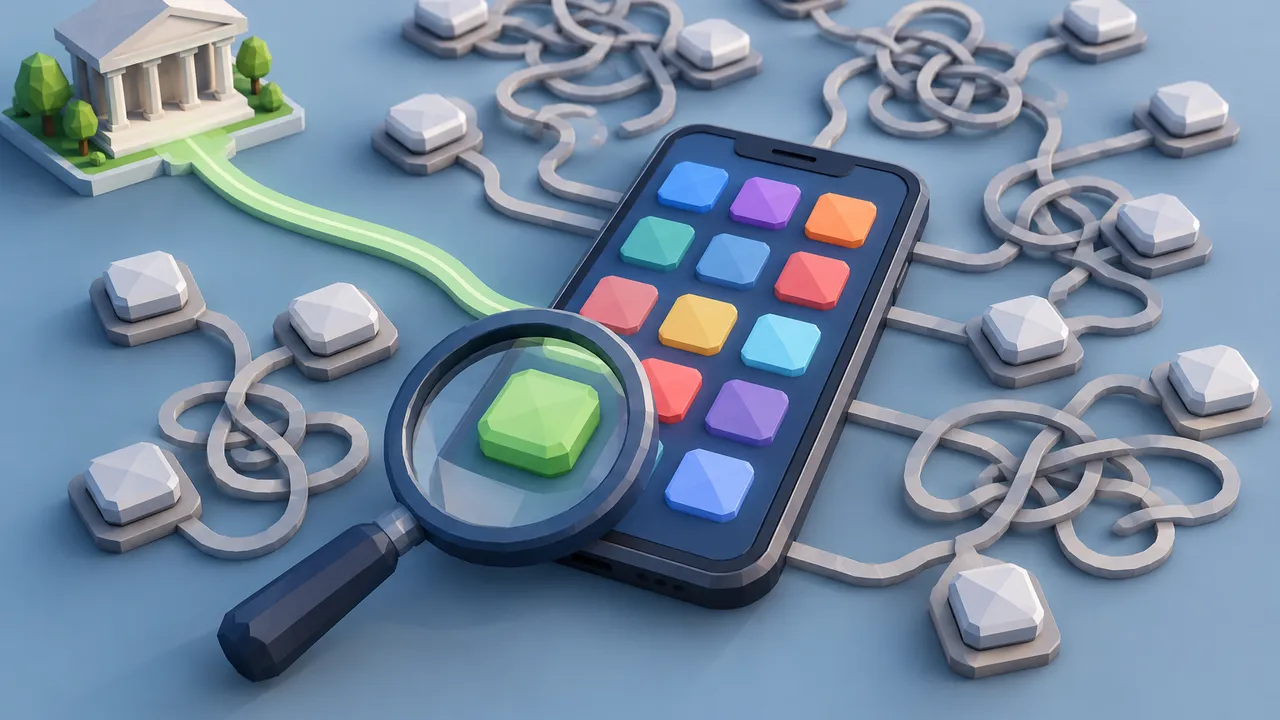
Search an app store for an AI assistant and the results can mix the official product, independent tools and lookalikes designed to catch hurried shoppers. Similar icons, familiar names and prominent placement are not proof of affiliation. Neither is a subscription price: paying more does not make an app official.
The safest approach is to trace the app from its source, identify the business behind it and read the payment terms before installing. These checks address two separate risks: downloading something that misrepresents its identity and buying a legitimate service on terms you did not understand. Repeat these checks for each device; similarly named listings can differ.
1. Start at the provider’s own website
Begin with the AI provider’s website, not an app-store search or a sponsored result. If you do not know the address, cross-check it against established reporting and the company’s documented support pages. Read the domain carefully: an extra word, substituted character or misleading subdomain can send you somewhere else.
Find the provider’s mobile-app or download page and follow its store link. That creates a traceable connection between the provider and the listing. If no app is linked, search the provider’s help center rather than assuming the most popular store result is official. Availability can differ by device or country.
If a store link reports that the app is unavailable in your region, do not substitute a similarly named listing from another publisher.
- Use navigation within the verified website to locate downloads.
- Confirm that the link opens the expected store listing.
- Treat advertisements and search rankings as discovery tools, not endorsements.
2. Verify the publisher, not just the icon
On the listing, inspect the developer, seller or publisher field; the label varies by store. Compare that identity with the provider’s legal and support information. A legitimate publisher may use a corporate name rather than its consumer brand, but the relationship should be verifiable through the provider’s own pages.
Next, inspect the developer website, support contact and privacy-policy links. Copied screenshots and polished descriptions are easy to reproduce. Reviews can reveal billing complaints, but star ratings and download counts do not establish ownership. Store review processes are useful safeguards, not guarantees of affiliation or value.
Compare the app identifier in the store URL with the provider-linked listing’s identifier; titles can change or be duplicated while identifiers distinguish listings.
| Check | Useful evidence | Reason to investigate |
|---|---|---|
| Store link | Provider links directly to listing | Only advertisements lead there |
| Publisher | Identity matches documented company | Unexplained business name |
| Support | Working, consistent company contacts | Broken or unrelated links |
| Privacy | Policy identifies the operator | Generic policy names another app |
3. Separate independent clients from impersonators
An unofficial app is not automatically a scam. Independent developers can build useful interfaces around another company’s AI models, sometimes combining several providers. The crucial distinction is disclosure: a legitimate third-party client explains who operates it and does not imply that it is the model provider’s own product.
Look for a clear explanation of what the subscription buys and where prompts, files and account information go. Access through a third-party app may not include the features, limits or privacy settings of the provider’s direct service. A direct subscription may not cover the independent app’s charges either.
If you supply an API key, create a separate key for that client, set available spending limits and revoke it when you stop using it.
- Check whether it identifies itself as an independent service.
- Verify model-access claims against the developer’s documentation.
- Avoid entering your provider password into an unfamiliar form.
- Treat requested API keys as sensitive credentials that may authorize usage charges.
4. Read the offer before starting a trial
A free download can lead immediately to a paid subscription. Before confirming, identify the trial length, the first charge date, the renewal amount and the billing interval. A weekly price can look small while costing substantially more over time than a monthly plan. Compare costs over the same period, not just the displayed number.
Read the checkout confirmation itself, not only the promotional screen. Identify who will collect payment: the app store, the developer or another merchant. Do not assume the payment channel from your phone’s operating system. Save the offer and confirmation so the terms are available if a dispute arises.
For example, $6.99 per week totals $363.48 across 52 payments, before taxes; a $19.99 monthly plan totals $239.88 across 12 payments.
- Is the trial restricted to eligible new subscribers?
- Does renewal happen automatically, and at what price?
- Are usage credits or premium features charged separately?
- Where is the cancellation deadline stated?
5. Find the exit before you commit
Locate cancellation instructions before accepting the offer. Store-billed subscriptions are generally managed through that store’s subscription settings; purchases billed directly by a developer usually require its website or support process. Consult current Apple or Google support instructions when applicable. Deleting the app does not cancel a subscription, and deleting an account should not be assumed to stop billing. Set a reminder before the stated deadline, allowing time to resolve login or support problems. Check whether canceling a trial ends access immediately.
After canceling, retain the confirmation and check the subscription status and next statement. Cancellation and refunds are separate requests; eligibility depends on the merchant’s rules and applicable law. For unexpected charges, identify the merchant on the receipt and use its official refund channel. Contact your card issuer promptly about suspected unauthorized billing or unresolved disputes, describing the facts accurately. Report suspected impersonation through the store’s reporting tools; deceptive offers can also be reported to the Federal Trade Commission or your state attorney general.
If no subscription appears in your store account, check other accounts and email receipts to locate the billing provider before contacting support.
Guidance is current as of October 2026; verify availability, eligibility, prices and cancellation terms with official sources before subscribing.
AI Assistance Used — AI assistance was used in researching and drafting this article. It was reviewed, edited, and fact-checked by Jordan Singh before publication.