EV Road Trips in 2026: Check Access, Adapters, and Backup Stops
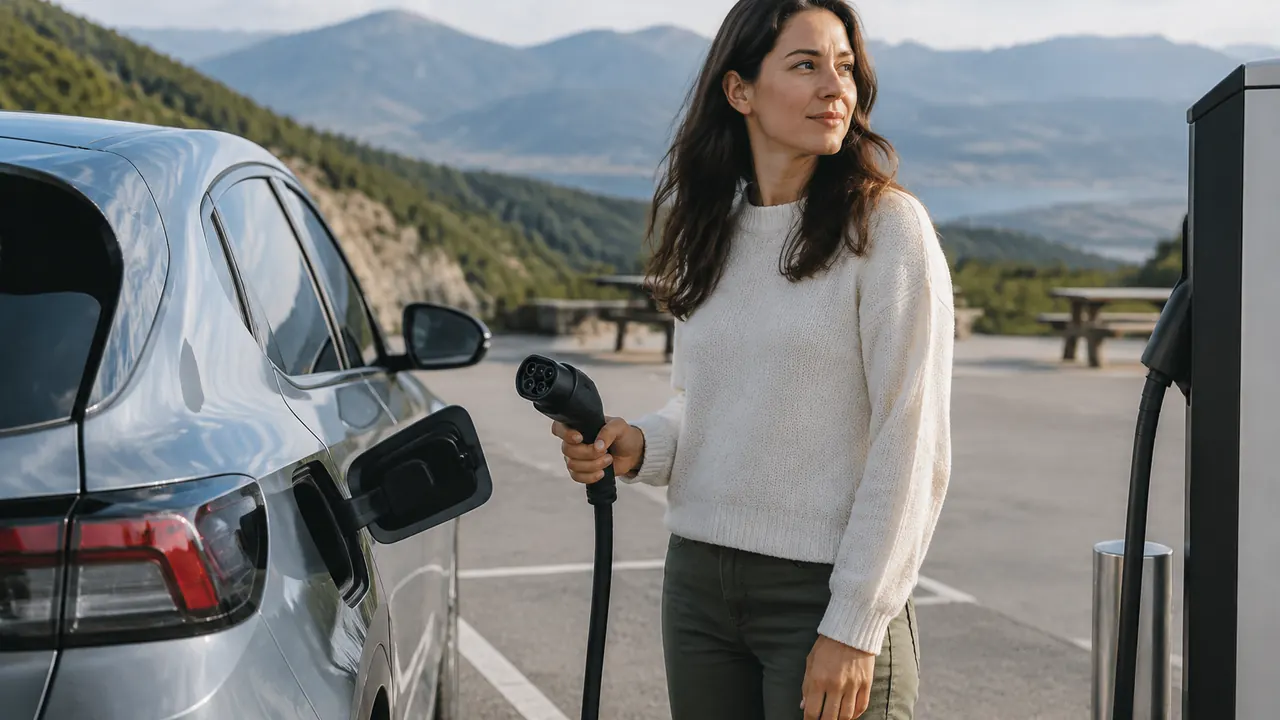
Planning an EV road trip in 2026 takes more than finding charging pins along the highway. The United States is still working through a connector transition, and a station that appears nearby may not serve your particular vehicle. Even when the plug fits, charging can depend on automaker authorization, the correct adapter, vehicle software, and a working payment method. The useful question is not simply whether a charger exists, but whether your car can use that exact location today.
Before leaving, build a short compatibility record for your vehicle and a route with realistic alternatives. Check the automaker’s guidance against the charging network’s current station listing, then test your setup locally. That preparation is especially valuable on rural stretches, during holiday travel, and when weather reduces range. A modest time cushion can keep one broken stall or slow charging session from becoming a trip-defining problem.
1. Identify your vehicle’s actual charging hardware
Start with the charging inlet on your own car, not a brandwide announcement or a photograph of the latest model. Connector equipment can differ by model year, trim, and production configuration. Check the owner’s manual and the automaker’s support page; if the answer remains unclear, ask customer support to confirm compatibility using your vehicle identification number. Record both the AC charging connection and the DC fast-charging connection, because they are not interchangeable.
For North American trips, common connections include J1772 for AC charging, CCS1 for DC fast charging, and NACS, standardized through SAE J3400, which supports AC or DC through the same inlet shape. Some older EVs use CHAdeMO for DC charging. A connector label describes the interface, not a promise of access or speed. Also confirm that the car supports DC fast charging at all, particularly if you are renting an unfamiliar vehicle.
- Photograph the inlet with its covers open and save the relevant manual pages offline.
- Find the vehicle’s maximum AC and DC charging rates; a station’s advertised rating cannot override the car’s limits.
- For a rental, verify the specific car at pickup, including supplied adapters and any charging or return-charge requirements.
| Connection | Typical purpose | What to verify |
|---|---|---|
| J1772 | AC destination charging | Native inlet or approved AC adapter |
| CCS1 | DC fast charging | Vehicle support and any required DC adapter |
| NACS / SAE J3400 | AC or DC charging | Session type, vehicle eligibility, and network access |
| CHAdeMO | DC charging on some older EVs | A working, compatible connector at the specific stop |
2. Treat adapters as specific tools, not universal fixes
An adapter changes a physical connection; it does not automatically grant network permission or add a charging capability the vehicle lacks. Match the adapter to the car’s inlet, the station’s connector, and the type of charging. A NACS-to-J1772 adapter intended for AC destination charging is not a substitute for a NACS-to-CCS1 DC fast-charging adapter. Adapters that work in the reverse direction are separate products with their own requirements.
Use only an adapter explicitly supported for your vehicle and permitted by the charging network. Check the exact model or part number, instructions, temperature and power limits, and any safety notices or replacement programs. Do not rely on a marketplace listing that says it fits all EVs. Avoid stacked adapters, improvised extensions, or damaged equipment. If official guidance does not clearly approve the combination, plan around native-compatible charging instead.
- Confirm whether the adapter is AC-only or DC-capable and which direction it supports.
- Check whether vehicle software updates or account activation are prerequisites for using it.
- Inspect the adapter for damaged pins, debris, cracks, or signs of overheating before packing it.
- Practice the manufacturer’s connection and disconnection sequence locally; do not make a remote highway stop your first attempt.
3. Verify access to the exact charging location
Network access is a separate check from connector compatibility. By June 2026, the North American transition includes vehicles with native NACS inlets and others relying on adapters, but that does not make every NACS-equipped site universally available. For Tesla Superchargers, use Tesla’s current location details and your automaker’s charging guidance to identify sites open to your specific vehicle. Some locations offer an integrated adapter; others require an eligible vehicle and a supported adapter you bring.
Inspect each planned stop in the operator’s app, preferably with your vehicle selected. Confirm the address, supported connector, access restrictions, and any vehicle-specific eligibility note. Check whether charging is available around the clock or behind a garage gate, dealership entrance, or hotel parking barrier. Cable reach matters too: different charge-port positions can make a technically compatible stall awkward or unusable without obstructing another space. Recent driver reports can flag these problems, but they supplement rather than replace official eligibility information. Save the exact site and a backup rather than assuming another location under the same network name will work identically.
4. Set up payment before you need a charge
Install the apps needed for your planned networks, create accounts, and add a valid payment method while you have reliable internet service. Verify your email address and phone number, and make sure you can sign in again. If the car offers Plug & Charge or another automatic authentication feature, check enrollment and supported networks. Plugging in alone does not guarantee that automatic billing is active, and different authentication systems have different coverage.
Read the station’s current pricing and fee details before starting. Charges may depend on energy delivered, time connected, membership, or other disclosed conditions; parking charges can be separate. A membership is worthwhile only if expected savings exceed its cost. Where offered, keep a physical payment card or network RFID card as a fallback. Do not assume every dispenser has a functioning card reader or that one roaming account covers every station.
- Run a short local session using the adapter, account, and payment method you expect to use.
- Save support numbers and check how to identify the station and individual dispenser.
- Check temporary card authorization holds, idle or congestion fees, and any subscription renewal terms.
- Avoid unfamiliar payment links or suspicious QR-code stickers; use the operator’s verified app or website.
5. Build a route with usable backups and a reserve
Use the vehicle’s navigation alongside a charging-focused route planner, entering your actual model, departure charge, and expected conditions. Favor locations with several compatible stalls and nearby alternatives over isolated single-charger stops. Live availability is a snapshot, not a reservation: a free stall can be occupied before you arrive, and a listed dispenser may be delivering reduced power. Recent successful check-ins offer useful context, especially at sparse locations.
Choose an arrival reserve that leaves enough energy to reach a verified backup, not merely the main charger’s parking lot. There is no universal percentage that works for every route. Distance to alternatives, elevation, temperature, wind, and your vehicle’s consumption all matter. Put backup addresses into your saved route and identify the point where you must decide whether to stop early or continue. Avoid making the last reachable station your only workable option.
- Confirm primary and backup stops have the correct connector, vehicle access, and operating hours.
- Check detour mileage, construction, seasonal road closures, and safe access from your direction of travel.
- Allow time for queues, a failed start, customer support, and charging below the expected rate.
- Check overnight charging with the property directly, including fees, availability, and whether spaces can be reserved.
- Download maps and save station details for stretches with weak cellular service.
6. Adjust expectations for weather and charging speed
Cold weather can increase driving consumption and slow charging when the battery is cold. Strong headwinds, heavy rain, climbing, roof cargo, and towing can also make a familiar mileage estimate unreliable. Extreme heat may increase cooling needs or trigger thermal limits. Recheck the forecast along the entire route, not just at departure, and update your plan when the car’s predicted arrival charge starts falling.
A charger’s headline power is a ceiling, not a session average. Actual speed depends on the vehicle’s charging curve, battery temperature and charge level, charger capability, and sometimes shared site power. Charging commonly slows at higher battery percentages, so two shorter sessions can be quicker than one long top-up, provided the route has dependable alternatives. Follow the car’s instructions for battery preconditioning; selecting a fast charger in built-in navigation may be required. Preconditioning can help, but it does not guarantee peak speed.
- Budget extra energy and time for cold starts, winter detours, and sustained highway driving.
- Use observed consumption and updated arrival estimates rather than relying solely on rated range.
- Leave a buffer after charging for appointments, ferry departures, or hotel check-in deadlines.
7. Recheck before departure, then verify every session
The evening before departure, refresh station status, weather, and road conditions. Charge to the departure level recommended for your vehicle and trip, accounting for battery-specific guidance about routinely charging to full. Pack your supported adapter where it is easy to reach. Keep a phone charging cable available, and make sure another adult traveling with you can locate the route, backup stops, and charging instructions.
At each station, match the dispenser identifier to the app, inspect the cable, and follow the displayed connection steps. Confirm that energy is actually flowing before walking away; a connected cable or payment authorization is not proof of charging. Check the expected time to your next departure target and revise plans if output stays low. If a stall fails, move only when you have safely ended the session, or call the posted support number. Switch to your backup before your reserve becomes uncomfortable. Before leaving, confirm billing has stopped, retrieve your adapter, and check the predicted arrival charge for the next leg. Those small checks keep a workable plan workable.
Charging access, adapter approvals, availability, and prices can change; verify current automaker instructions and network terms before departure and at each stop.
AI Assistance Used — AI assistance was used in researching and drafting this article. It was reviewed, edited, and fact-checked by Lisa Barber before publication.