Console, PC or Handheld in 2026: Choose Around the Games You Play
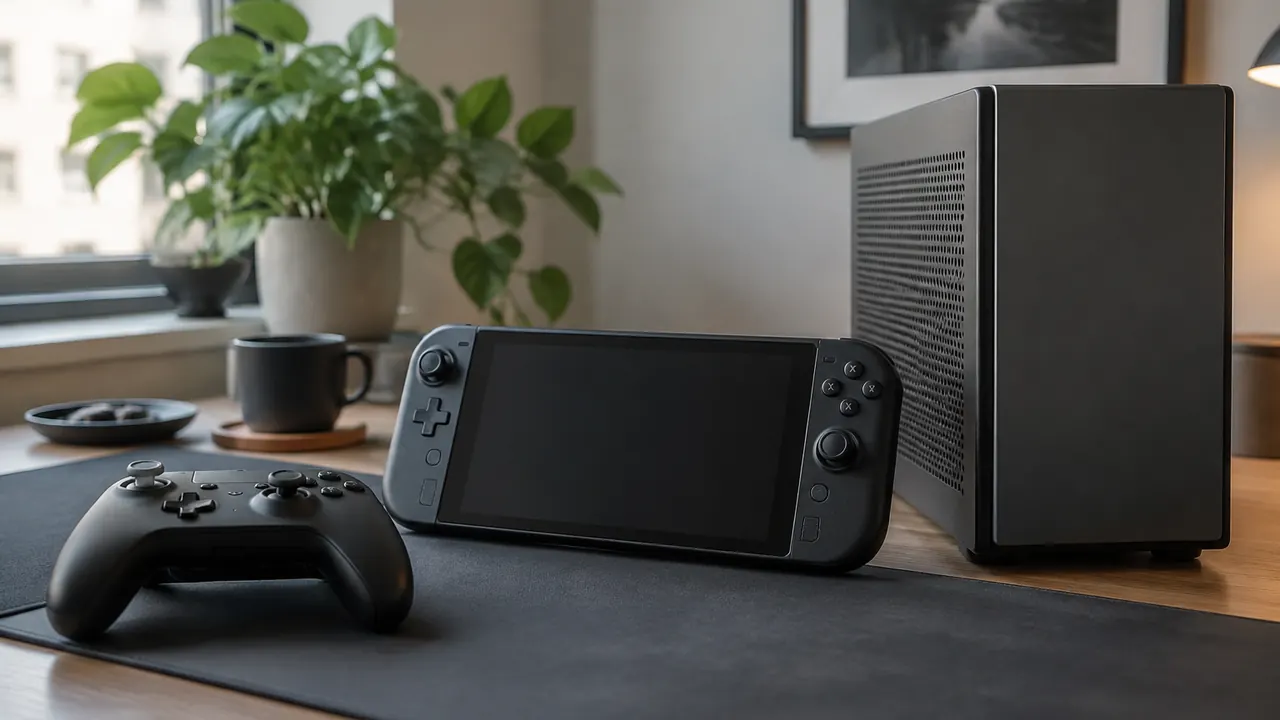
Choosing gaming hardware in July 2026 starts with a question: What will you actually play? A console can be a living-room choice, a desktop PC can offer flexibility, and a handheld can fit gaming into hours that would otherwise go unused. But none is automatically the best value. Hardware that cannot run your favorite multiplayer game, accept your preferred controls or access your existing purchases can become an expensive compromise.
Build your decision around five things: game availability, portability, controls, maintenance and the full cost of ownership. Start with the games you play now, add a few you genuinely expect to buy, and work outward. Treat advertised performance, subscription catalogs and compatibility labels as things to investigate, not guarantees. The right purchase should fit your routine as well as your budget, whether you are replacing an older machine or adding a second place to play.
1. Make a game shortlist before comparing hardware
Write down five to ten games that would justify the purchase. Include the exact edition when it matters, especially for sports titles, remasters and multiplayer releases with separate versions. Check each publisher’s current platform listing and store page. A franchise appearing on a platform does not mean every installment is available, and an announced release is not the same as a game you can buy today.
Then check how you intend to play. Cross-play lets people on different platforms play together only where supported; cross-progression concerns carrying progress between platforms. Neither necessarily transfers a purchased copy or downloadable content. Subscription access can also end when a game leaves a catalog. For a multiplayer household, confirm whether two people need separate purchases, accounts or subscriptions rather than assuming one library covers everyone.
- Mark each game as essential, desirable or optional. Let essential games eliminate unsuitable hardware first.
- Confirm your friends’ platforms and whether your game supports cross-play in the modes you use.
- Check offline requirements, third-party accounts, launchers and any restrictions on competitive multiplayer.
- For unreleased games, budget around confirmed support rather than rumors, expected ports or promised future compatibility.
2. Choose the format that matches your actual playing time
A console generally suits people who want a consistent television-based setup with relatively little configuration. A desktop PC suits players who want broader hardware choices, keyboard-and-mouse play, extensive graphics settings or a machine that also handles other work. Handhelds make shorter sessions and shared living spaces easier, but distinguish a dedicated handheld console from a handheld PC: their game libraries, operating systems and troubleshooting demands can be very different.
Portability also has degrees. Playing on the couch near an outlet is not the same as playing through a flight. Check independent battery testing for demanding games, not just lightweight titles or video playback. Consider weight, fan noise, charger size and whether your usual games remain readable on a small screen. Cloud gaming and remote play can extend access, but depend on connection quality; remote play may also require your home system to remain available. Neither is equivalent to running a game locally when internet access is unreliable.
If you mostly play at home, compare a handheld plus dock and accessories against a conventional setup. A dock can add display connections and charging convenience, but it does not automatically deliver desktop-class performance.
| Format | Strong fit | Main trade-off |
|---|---|---|
| Home console | TV play and standardized hardware | Platform-specific library and limited upgrades |
| Desktop gaming PC | Flexible controls, settings and components | More configuration and variable hardware costs |
| Dedicated handheld console | Portable play within its platform library | Game and accessory compatibility vary by model |
| Handheld PC | Portable access to compatible PC games | Battery, operating-system and control constraints |
3. Audit the games and accessories you already own
Your existing library can change the calculation more than a modest hardware discount. Digital purchases are generally tied to a particular storefront or platform account, not a universal gaming license. Moving from console to PC usually means checking whether you must repurchase each title. Some games offer specific cross-buy arrangements, but treat those as exceptions to verify. On PC, owning a game does not guarantee it will work well on every operating system or handheld.
Physical collections deserve a separate check. A disc requires compatible hardware with an appropriate drive; a digital-only model cannot read it. Backward compatibility varies by console, generation and game, and an upgraded edition may involve an additional purchase. Save transfers, downloadable content and older peripherals can have their own restrictions. Check official compatibility pages using the exact model and accessory name, and do not assume a familiar connector means full support.
- List your largest existing purchases, expansions and saves; verify each separately on the proposed device.
- Check whether older controllers work with current games, not merely menus or older titles.
- For used hardware, value the machine itself; do not assume a seller’s digital account can legitimately transfer.
- Keep account recovery details and backup codes accessible before trading in or resetting your old system.
4. Match controls, comfort and performance to your games
The best-looking specification sheet can still deliver the wrong experience. Strategy games, management simulations and some competitive shooters often benefit from a keyboard, mouse and readable display. Racing, fighting and action games may feel better with a controller or specialized accessory. Support is game-specific: a console’s ability to recognize a keyboard does not establish keyboard-and-mouse support in your preferred game. Check local multiplayer limits and accessibility options, too.
Try a handheld in person if possible, or buy with a clear return policy. Pay attention to grip shape, reach to shoulder buttons, text size and comfort after more than a brief demonstration. Remapping, captions, adjustable interface size and compatible adaptive controls can matter more than a small performance advantage. On a shared television, check whether the display’s available ports and settings support the features you intend to use.
Set a practical performance target rather than chasing the highest number. Look for testing in your specific games at the resolution and settings you expect to use. A handheld’s lower-resolution screen can make reduced settings reasonable, while a large monitor may expose compromises. Check frame-rate consistency and fan noise, not just peak frame rates, and remember that demanding updates can change results.
5. Price the complete setup, including storage
Compare complete baskets rather than hardware prices alone. A desktop may need a monitor, keyboard, mouse, speakers or headset; a console may need another controller; a handheld may need a protective case, charger or dock. Include tax, delivery and any immediately necessary upgrades. Do not count an existing television or monitor as free compatibility until you have checked its connections and capabilities.
Storage is easy to underestimate. Advertised capacity is not the same as space available for games after system files, and installations may require extra room for updates. Check the current installation requirements of your shortlist, then leave headroom instead of planning to fill the drive. Expansion rules differ: some consoles require particular internal drives or proprietary expansion products, while external USB storage may store newer games without running them directly. Handhelds may accept memory cards, but performance and suitability vary.
For a PC, compare usable specifications, not labels such as gaming-ready. Check memory, graphics hardware, storage capacity, power supply and upgrade access. A compact desktop may use tightly constrained or proprietary parts. On handheld PCs, opening the device for an SSD replacement requires checking manufacturer guidance, warranty terms and your own comfort with repair.
| Cost category | What to include |
|---|---|
| Hardware | Device, tax, delivery and required display |
| Storage | Compatible expansion and room for updates |
| Accessories | Controls, headset, case, dock and cables |
| Recurring charges | Online access, subscriptions and electricity |
| Library changes | Repurchases, upgrades and replacement accessories |
6. Calculate online fees and subscription value separately
Use a three-year ownership estimate: upfront setup costs, plus expected game spending, storage and accessories, plus recurring charges over that period. Many paid console games require a platform subscription for online multiplayer, while many free-to-play titles have exceptions. Requirements vary by platform and game. PC storefront multiplayer generally does not require a platform-wide access subscription, but individual games, premium services and private servers can carry fees.
Keep online access separate from subscription game catalogs. A catalog may offer excellent value if you regularly play its included games, but less value if you mainly revisit two titles you already own. Check which subscription tier provides the feature you need, whether introductory pricing renews at a higher rate and how cancellation works. Avoid treating a rotating catalog as permanent ownership or assuming downloadable content is included.
- Use the normal renewal price in your estimate, not a temporary signup promotion.
- Count only subscriptions you expect to keep; do not stack services just to make hardware seem versatile.
- Include likely game repurchases and upgrade charges when switching platforms.
- Treat resale value as uncertain, and compare physical-game savings only where compatible editions and hardware are available.
7. Pick the maintenance burden you will actually tolerate
Consoles still need updates, downloads, ventilation and occasional troubleshooting, but their standardized hardware usually narrows the variables. PCs offer more control and more potential work: operating-system updates, graphics drivers, launcher problems and settings adjustments. A handheld PC does not remove that burden simply because it resembles a console. Games with anti-cheat software can be particularly important compatibility checks on devices using a different operating system from the game’s officially supported one.
Check recent reports for your essential games on the exact hardware and operating system you plan to buy. Compatibility badges are useful starting points, not promises that every mode, update or accessory works. Review warranty coverage, return conditions, repair availability and battery-service options. Used or refurbished hardware may be sensible, but inspect ports, controls, storage and account-lock status, and understand who handles a failure.
Make the final choice in order: essential games first, realistic playing location second, controls and comfort third, complete cost fourth. Then use performance and convenience to break ties. Choose the console if simplicity wins, the PC if flexibility earns its upkeep, or the handheld if portable sessions genuinely add playing time. Buy for the games and habits you have.
Before buying, verify current prices, subscription terms, game compatibility and accessory requirements for the exact model and your region.
AI Assistance Used — AI assistance was used in researching and drafting this article. It was reviewed, edited, and fact-checked by Nadia Clarkson before publication.